

How can we help?
Search 92 guides and 221 answers, or browse by topic below.
Browse by topic
Getting Started
These guides will help you to get Started into the world of Uptoskills.
7 guides · 10 answers
For Students
All Guides for Students and Student Dashboard.
42 guides · 36 answers
For HR's / Corporates
All Guides for HR's and HR Dashboard.
17 guides · 68 answers
For Faculty/College
All Guides for Faculties and Faculty Dashboard.
10 guides · 46 answers
Common Guides
All Common Guides for multiple users.
7 guides · 28 answers
Freshers
This guide is designed for freshers to stay updated with the latest features, opportunities, and updates on UptoSkills. Explore step-by-step guides, hiring news, and tools that help you start your career with confidence.
8 guides · 33 answers
Start here
All guides →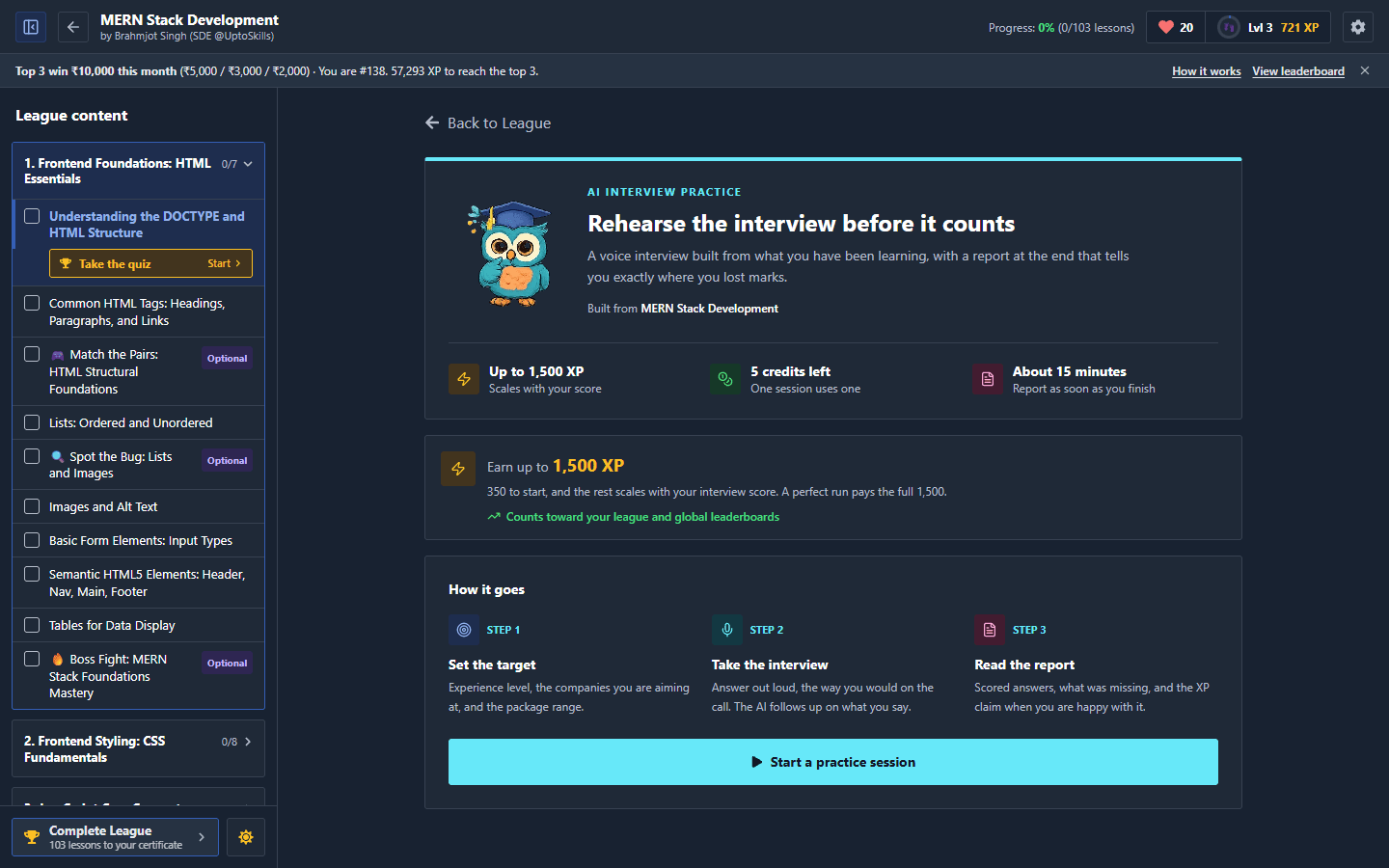
The Fastest Ways to Earn XP on UptoSkills
Every XP source on UptoSkills ranked by how much it actually pays for the time it takes — from the single biggest payout (an AI interview or assessment tied to a League) down to the small, steady stuff.
For Students
Big XP From AI Interviews and Assessments: How League-Tied Practice Pays
Run an AI interview or AI assessment tied to a League and it pays a one-off XP reward on top of your lessons -- up to 1,500 XP for an interview, up to 1,000 for an assessment. Here's exactly how it's calculated, and the rules that keep it fair for everyone.
For Students
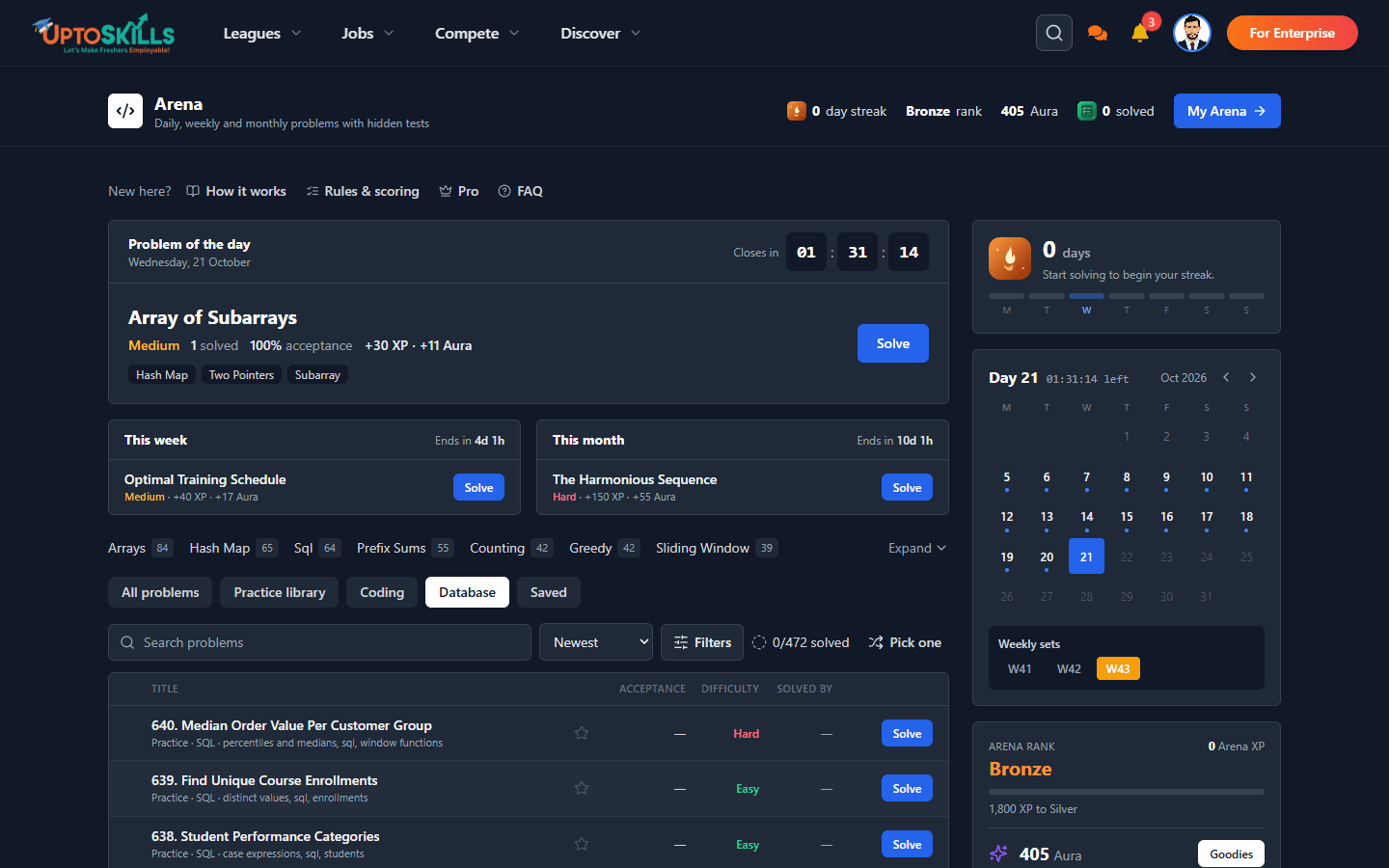
SQL and Database Problems in the UptoSkills Arena
Practice real SQL against a live database, right in the browser — 60+ problems from SELECT basics to window functions, with queries written in MySQL syntax automatically understood.
For Students
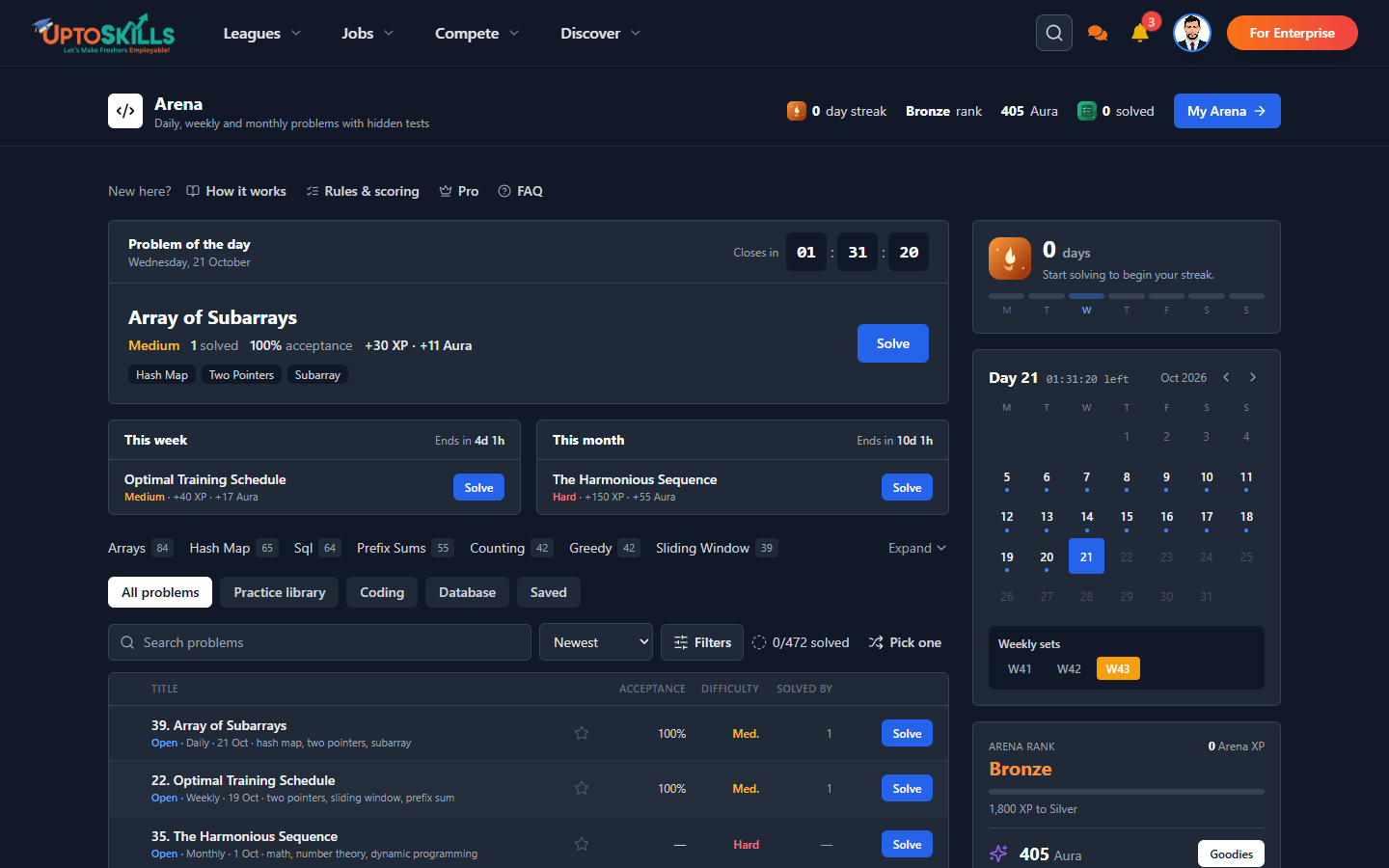
UptoSkills Arena: Daily Coding Challenges, XP and Aura
How the Arena works — a new coding problem every day, a harder set every week, one big monthly challenge, plus a practice library. Exact XP and Aura numbers, streaks and ranks included.
For Students
How to Download and Read Your AI Interview or Assessment Report (PDF, Print, Any Language)
Where your AI interview and assessment reports live, how to download them as a PDF or print them, and why answering in Hindi or another language does not hurt your score.
Freshers
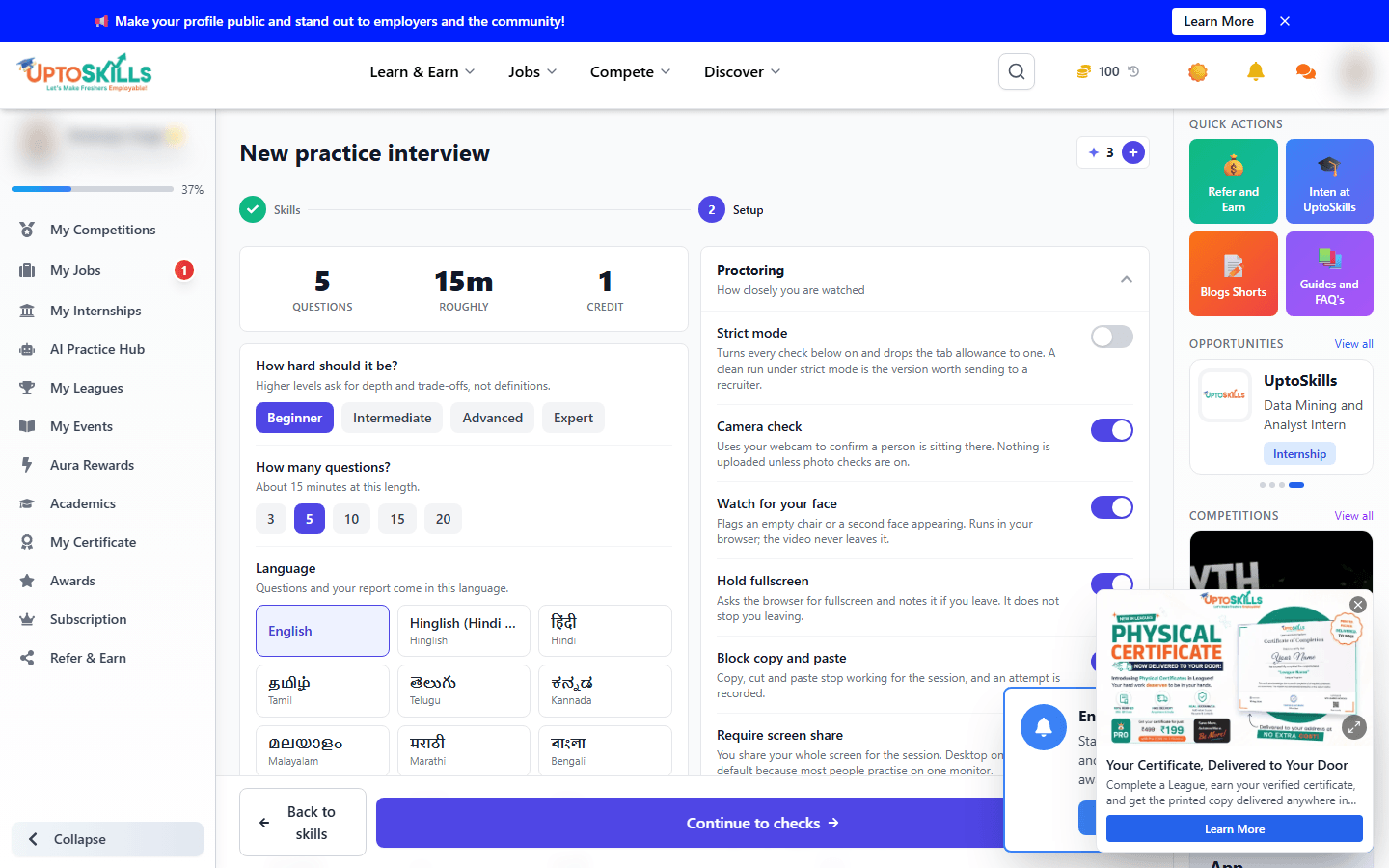
AI Interview & Assessment Proctoring: Camera, Screen Share, Fullscreen and Browser Rules
What actually gets checked during an AI interview or assessment - camera, screen share, fullscreen and copy-paste rules - and why Brave browser will not let you start one.
Freshers
Common questions
All answers →How much XP does an AI interview or AI assessment pay?
For Students
Is the weekly spin wheel free?
For Students
Can I run my code before submitting in the Arena?
For Students
Does the Arena support SQL?
For Students
Do I need Pro to use the Arena?
For Students
What happens if I miss an Arena daily problem?
For Students
How much XP and Aura does an Arena problem pay?
For Students
What is the UptoSkills Arena?
For Students