

For Students
AI Writing Tools in the Resume Builder: Check Writing, Suggestions & More
Spelling and grammar checks, AI-suggested bullet points, and skill suggestions — the writing tools that tighten your resume line by line.
Updated 22 Sept 2026
Short answer: Three AI writing tools work on the wording itself: Check writing catches spelling and grammar across the whole resume, inline Improve text / Suggest content rewrites a specific bullet point, and Suggest skills proposes skills based on what you've already written. All three are Pro-only.
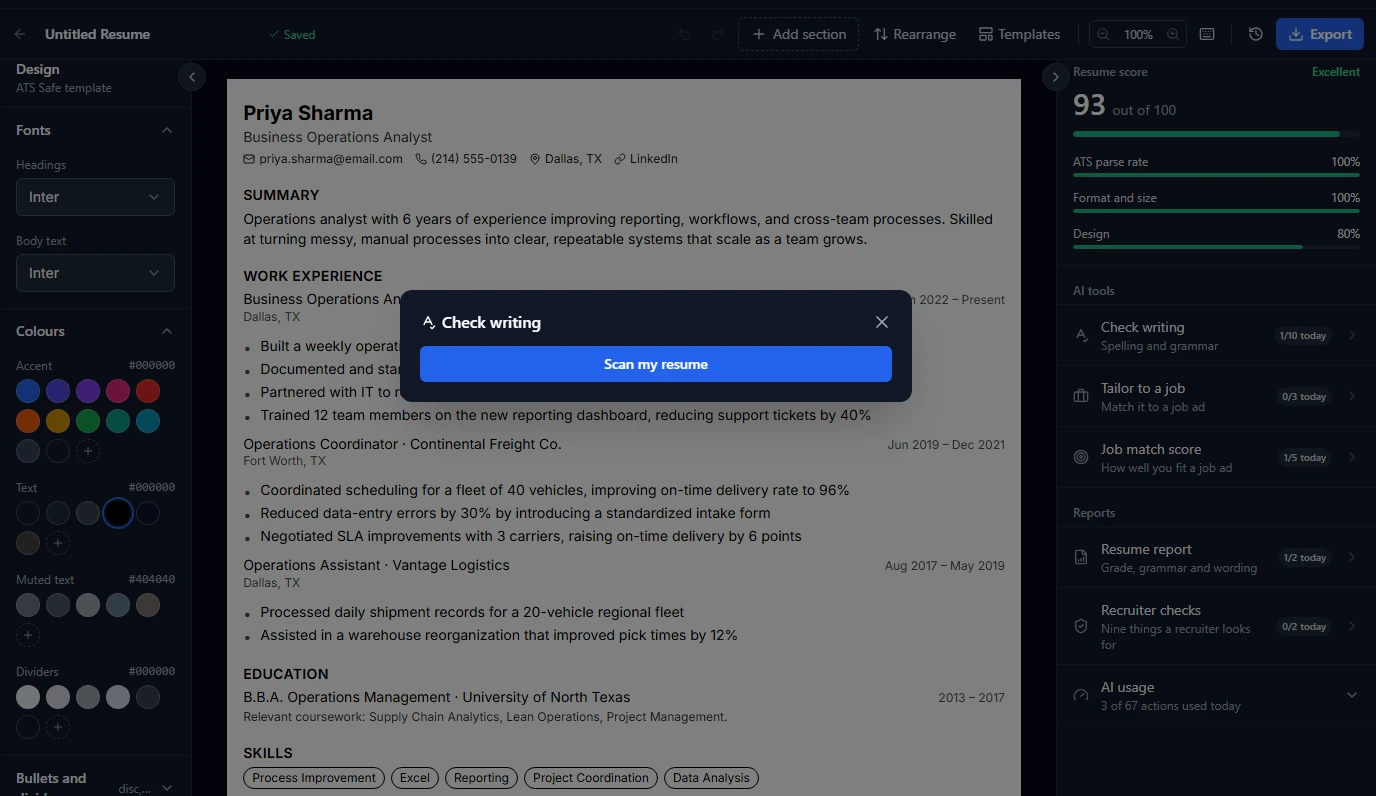
Check writing
One click scans the entire resume for spelling and grammar problems and lists them out, rather than making you proofread line by line yourself. Available 10 times a day on Pro.
Improve text / Suggest content
Hover any bullet point in the editor and an AI option appears to rewrite it — tighter phrasing, stronger verbs, or a fuller version if a bullet feels thin. This is the same inline AI budget used for suggesting new bullets when a section feels short: 20 actions a day on Pro, shared across both.
🎯 AI suggestions work from what you've already written — the more specific your first draft ("cut page load time by 40% by lazy-loading images" vs. "improved performance"), the sharper the suggestion comes back.
Suggest skills
Based on your experience and projects, this proposes skills you may have left off the Skills section — useful for catching things you do but didn't think to list. 10 times a day on Pro.
None of this is on the free plan
All three writing tools are Pro-only; free doesn't include any AI writing assistance in the resume builder, aside from the AI-assisted upload of an old resume.
Common questions
Does an AI suggestion apply automatically?
No — it's shown as a suggestion you accept, edit, or dismiss; nothing overwrites your text without you choosing it.
Can I keep my own wording and just use Check writing for typos?
Yes, the three tools are independent — use Check writing alone without touching the rewriting tools at all.
Why did an AI action fail without changing my daily count?
A failed call (server hiccup, timeout) is automatically retried, and if it still fails, your usage is refunded — you're only charged for a completed result.