

For Students
How to Upload Your Old Resume and Auto-Fill It with AI
Already have a resume? Upload the PDF or DOCX and AI reads it straight into the editor’s fields — no retyping needed.
Updated 22 Sept 2026
Short answer: Click Upload old resume, pick a PDF, DOC, or DOCX, and AI reads your contact info, experience, education, skills, and projects straight into the editor — pick a template afterward and you're editing, not retyping.
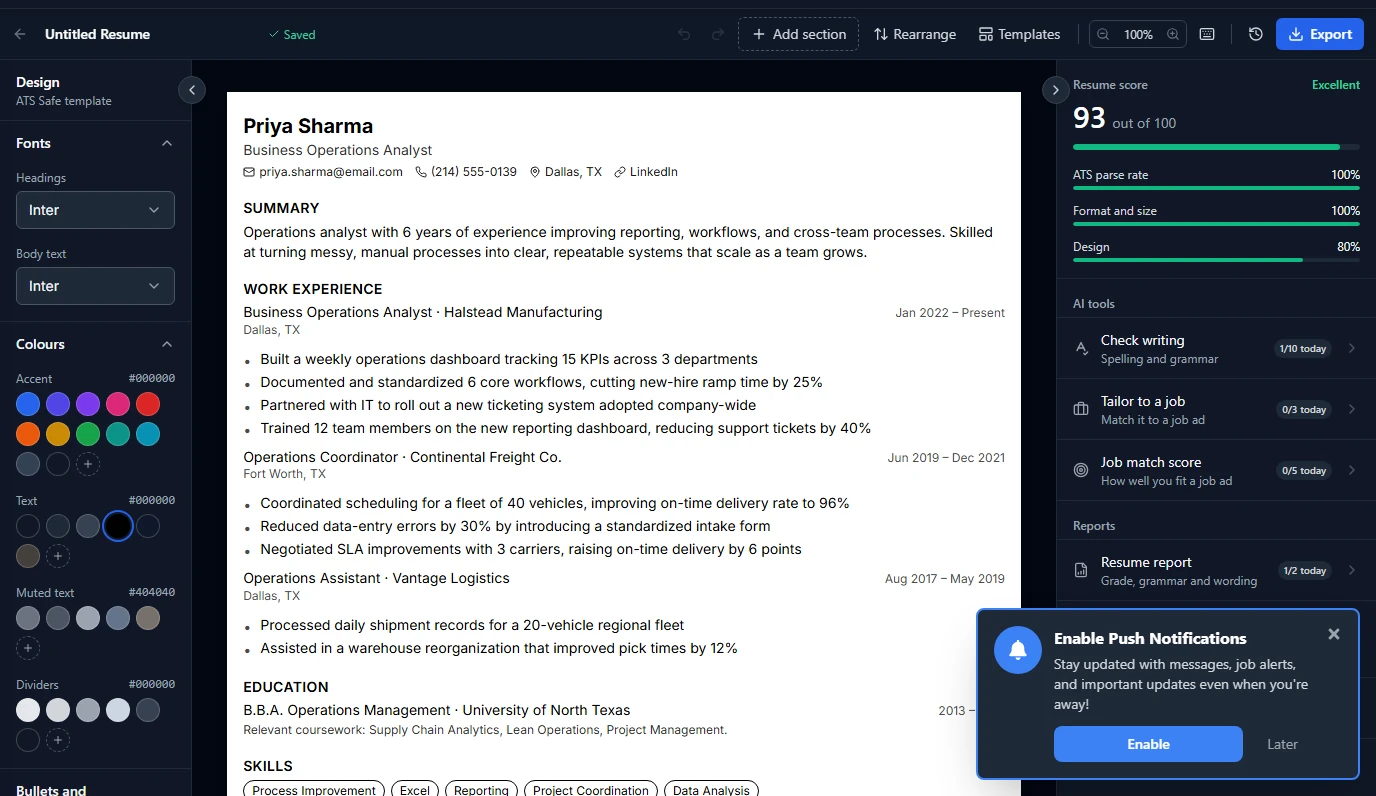
Why upload instead of starting blank
If your resume already has good content but isn't ATS-friendly — maybe it's a two-column design, or a PDF made in a graphics tool — uploading lets you keep everything you've already written and just switch it into a clean, parseable template. It's also the fastest way in if you'd rather edit than type from zero.
How it works
| Step | What happens |
|---|---|
| 1. Upload | PDF, DOC, or DOCX, up to a few MB |
| 2. AI reads it | Contact details, summary, work experience, education, skills, and projects are extracted into the matching fields |
| 3. Review | Everything lands in the editor as normal, editable text — check it over, since AI extraction can occasionally miss a line or misread a date |
💡 Always give the extracted content a once-over before exporting. It's very good at pulling structured content across, but it's reading a document, not your intentions — a line it genuinely can't parse (a stray table, an odd symbol) is easiest to just retype.
Daily limits
| Plan | Uploads per day |
|---|---|
| Free | 1 |
| Pro | 5 |
A failed upload (a corrupted file, a dropped connection) doesn't use up your daily count — it only counts once AI actually returns a result. More on limits in the Free vs Pro guide.
Common questions
What file types are supported?
PDF, DOC, and DOCX.
Will it pick the right template automatically?
No — upload fills the content, then you choose or switch the template separately from the same editor.
What if my old resume has a photo or a table?
Text content gets extracted; layout elements like photos and tables don't carry over, since the point is to land you in a clean, ATS-friendly structure instead.
Can I upload again to replace what's there?
Yes, on a new resume slot — uploading doesn't overwrite an existing resume you're already editing.