

For HR's / Corporates
Events, Certificates and Awards for Employers
The Engagement and Talent sections — hosting your own events, joining corporate events, and where certificates issued to your candidates and awards earned by your company live.
Updated 19 Aug 2026
Short answer: Two sidebar groups sit outside recruiting. Engagement is events — ones you host and ones you attend. Talent & Awards holds certificates issued to your candidates and recognition your company has earned.
🎤 None of this is required to hire. It exists so a company can build a presence with candidates before it needs them.
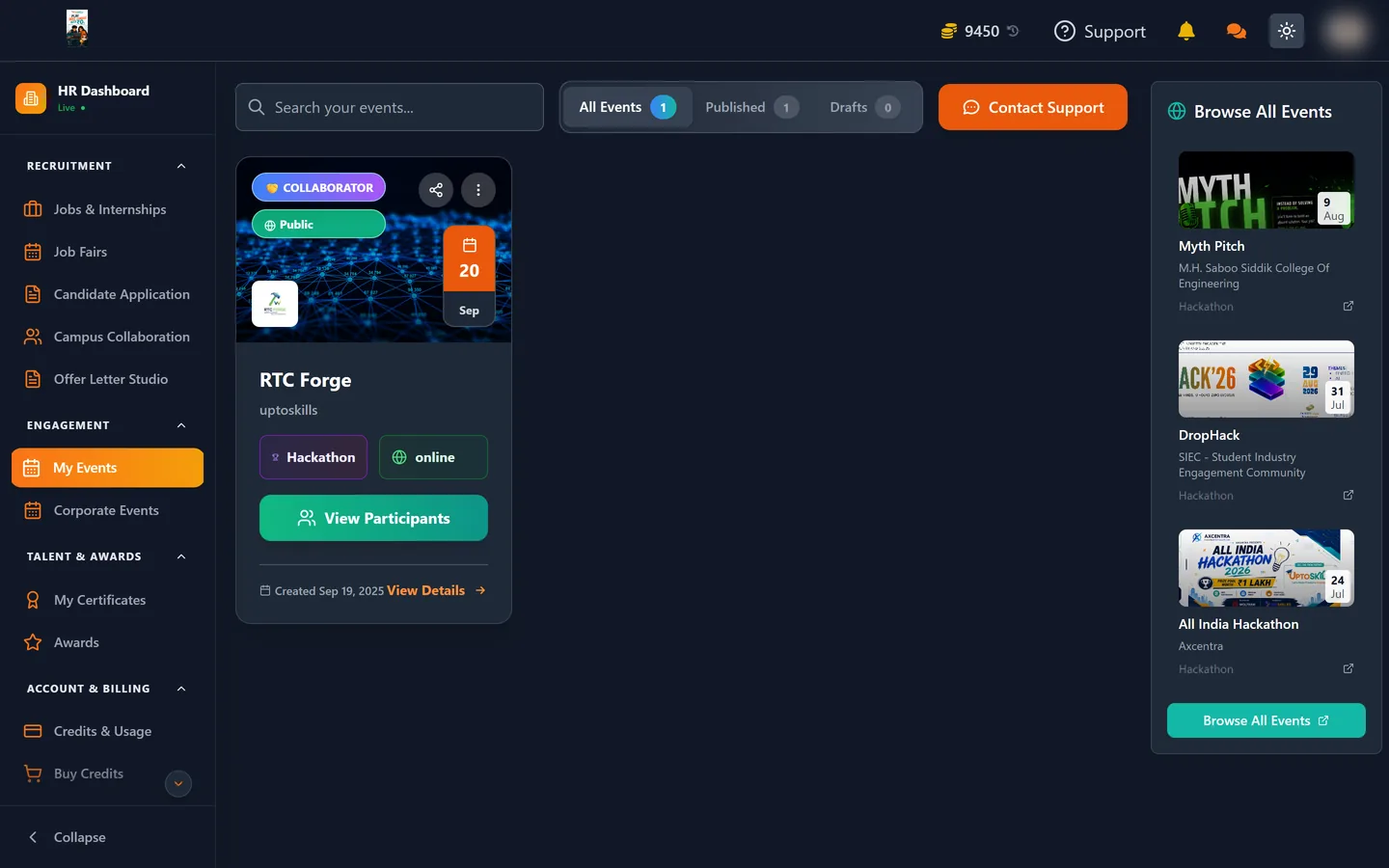
My Events
Events you run. The section covers the whole lifecycle:
| Action | What it is for |
|---|---|
| Create | Set up a new event |
| Edit | Change one already created |
| Preview | See it as an attendee will before publishing |
| View | The published page |
| Participants | Who registered |
Use Preview before publishing, for the same reason it is worth using on a job post: it is where formatting problems become obvious.
Corporate Events
Events and webinars run on the platform that your company can join, each with its own detail page and registration. Where My Events is you talking to candidates, Corporate Events is you in the room with everyone else.
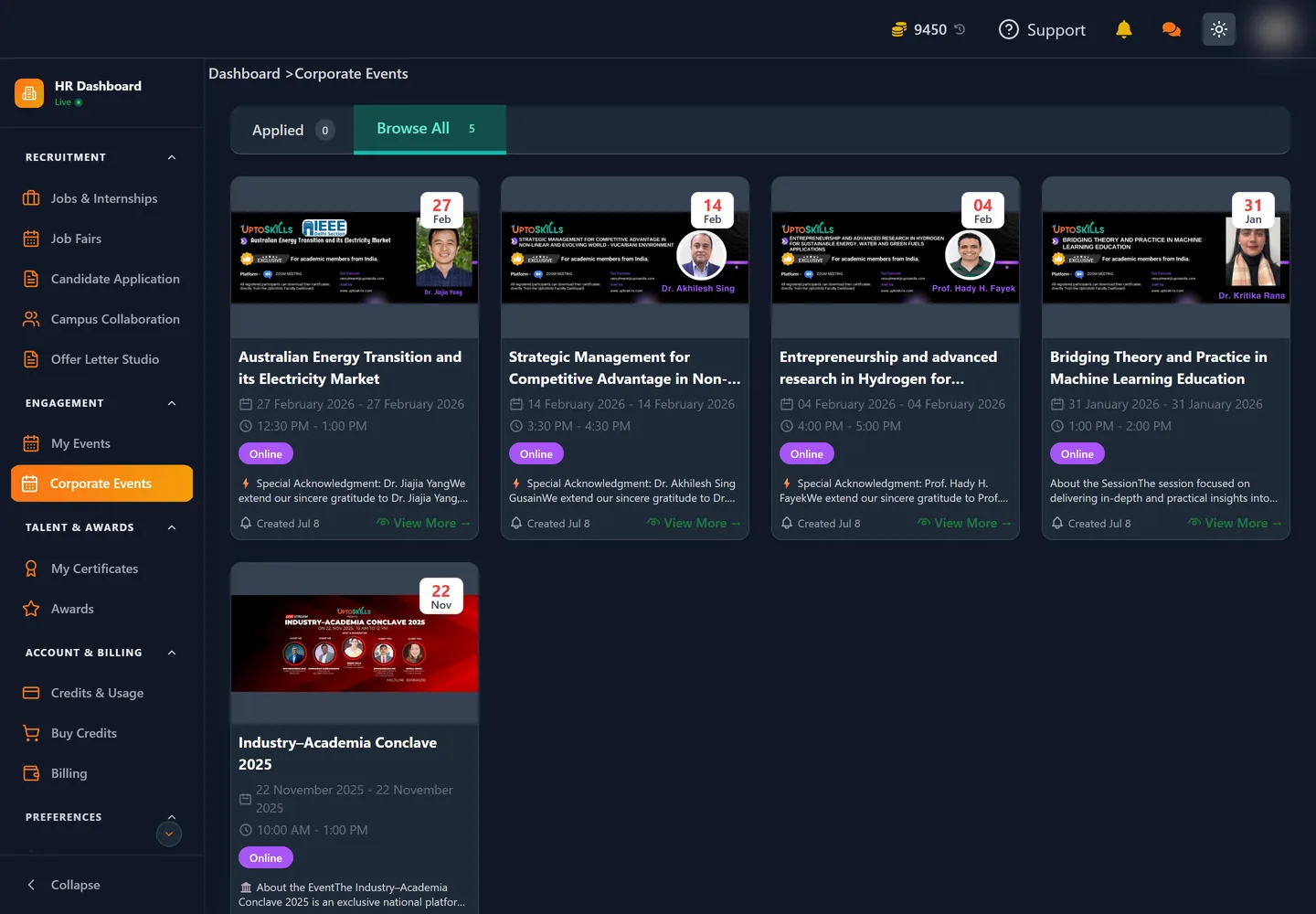
The listing splits into Applied — events you have already registered for — and Browse All. Each card carries the date, the time window, whether it is online, and a short summary; View More opens the full detail page where registration happens.
Running an event that is worth attending
The mechanics are easy; getting people in the room is the harder part. Three things help:
- Be specific about who it is for. "Careers in backend engineering for 2026 graduates" fills a room that "Company overview" does not.
- Use Preview before publishing. It is where formatting problems become obvious, for the same reason it is worth using on a job post.
- Check Participants afterwards. People who gave up an hour to hear about your company are a warmer audience for your next role than a cold listing.
My Certificates
Certificates and experience letters issued through your account, with a preview for each. If a former candidate asks for a copy of an experience letter, this is where it is.
Previews render as PDFs. A certificate showing "Preview not available for this certificate type" is a display limitation, not a broken document — the file itself is intact.
Awards
Recognition your company has earned on the platform. Worth checking occasionally: a candidate deciding between two employers looks at this kind of signal, and it costs nothing to have it in order.