

For HR's / Corporates
What Everything Costs: The UptoSkills HR Coin Price List
The full default price list for employer accounts — what each of the seven paid actions costs in coins, the 1,000 free coins every account starts with, and how coins convert to rupees.
Updated 19 Aug 2026
Short answer: Seven actions in the HR dashboard cost coins. One coin is ₹1, every new account starts with 1,000 free coins, and coins never expire. Everything else on the dashboard — browsing, editing, analytics, drafts, templates, exports — is free.
🎁 1,000 free coins on signup is enough to unlock 200 candidates, or run a full first hire, before you spend anything.
The price list
These are the default rates that apply to employer accounts:
| Action | Cost | Charged |
|---|---|---|
| Job Posting | Free | Once, when you publish a job or internship |
| Campus Recruitment | Free | When a job is opened to campus hiring |
| Unlock Application | 5 coins | Per candidate, to reveal name, email, phone and resume |
| AI Assessment | 10 coins | Per candidate added to an AI assessment |
| AI Interview | 10 coins | Per candidate added to an AI interview |
| WhatsApp Message | 1 coin | Per message sent to a candidate |
| Offer Letter / Selection | 500 coins | Once per candidate, when you mark them Selected |
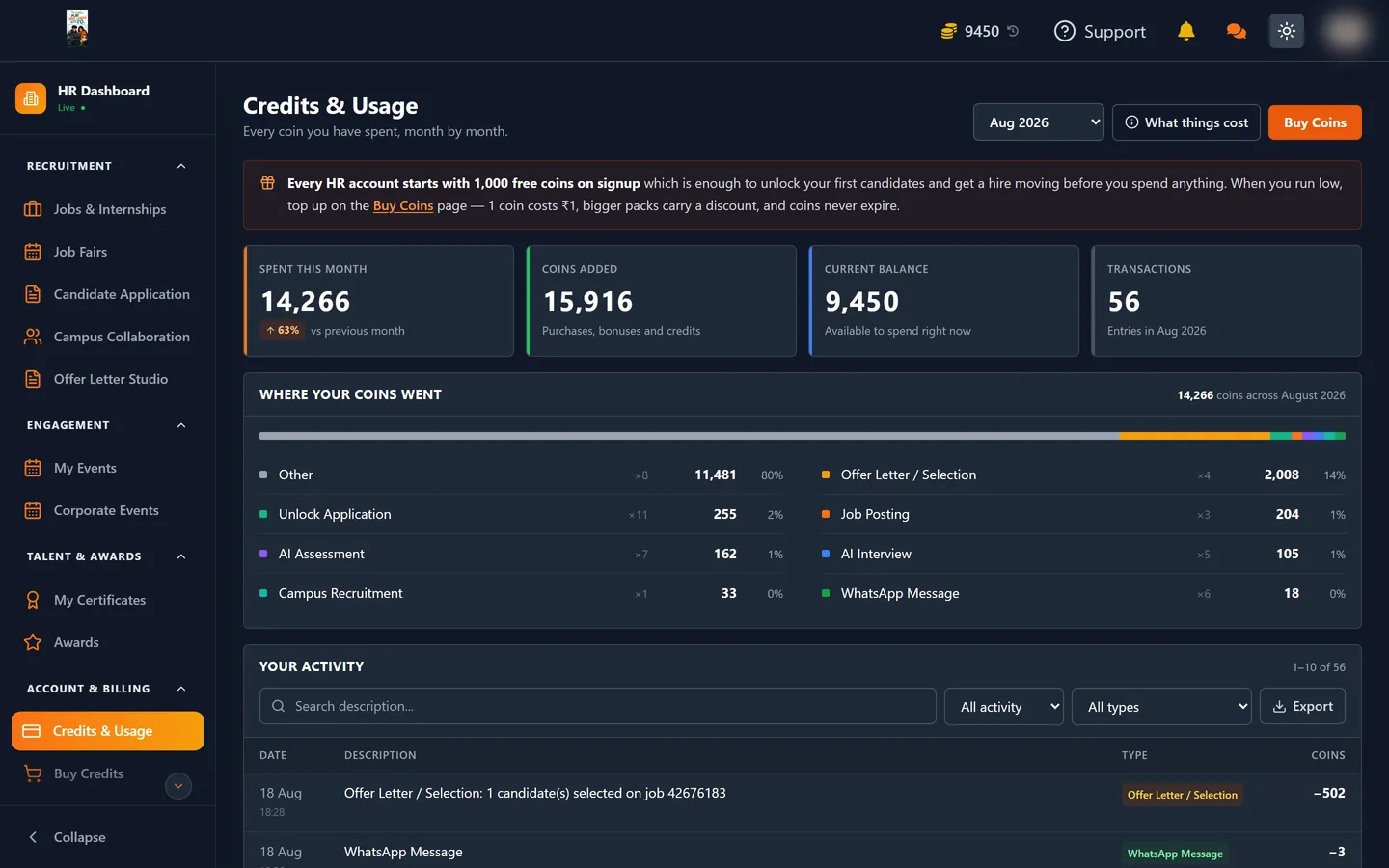
💡 These rates can change at any time, and discounts run regularly. The What things cost button on the Credits & Usage page always shows the rates in force right now — treat that as the authority, and this table as a guide.
What that means in practice
Because one coin is one rupee, the price list reads directly in money. A worked example for a single hire:
| Step | Coins |
|---|---|
| Post the role | 0 |
| Unlock 20 shortlisted candidates (20 × 5) | 100 |
| Send 10 to an AI assessment (10 × 10) | 100 |
| Send 5 to an AI interview (5 × 10) | 50 |
| Message 5 on WhatsApp (5 × 1) | 5 |
| Select 1 candidate | 500 |
| Total | 755 coins (₹755) |
That whole hire fits inside the 1,000 free coins a new account is given.
The one big-ticket item
Offer Letter / Selection at 500 coins is by far the largest single charge, and it is worth understanding when it fires: it is charged once per candidate at the moment you mark them Selected, not when you post the role and not when you unlock them.
That means the expensive step only ever happens for people you actually hire. Everything before it — sifting, testing, interviewing — is comparatively cheap on purpose.
Free actions leave no record, and that is correct
When an action is free, no coins are deducted and no entry is written to your usage history at all. So a free job posting leaving no trace in Credits & Usage is expected behaviour, not a missing record. Only real coin movement appears in the log.
You are never charged twice for the same candidate
Unlocking is recorded per job and per candidate. Once you have unlocked someone on a job they stay unlocked, so reopening the page, refreshing or clicking unlock again costs nothing. Select a mix of locked and already-unlocked candidates and you are billed only for the locked ones.
When your balance is short
The balance check runs before anything happens, and the message gives you the exact figures — what the action needs, what you hold, and the difference. Nothing is ever half-applied: either you have enough and it completes, or you do not and nothing changes.
Topping up
Coins are bought from the Buy Credits page. Take a preset pack or type a custom amount; larger amounts carry a discount, which is shown before you pay. Payment goes through Razorpay, and completed payments and invoices land under Billing.
Coins never expire, so buying a larger discounted pack costs you nothing but the up-front outlay.
Where to go next
- Credits & Usage: Where Your Coins Went — reading the spending log
- Unlocking Candidate Applications — what the 5-coin unlock actually buys you