

For HR's / Corporates
Job Fairs: Reaching Candidates at Hiring Events
What job fairs are on UptoSkills, how to attach a job to an active fair while posting, and what managing a fair involves if an admin has assigned you one.
Updated 19 Aug 2026
Short answer: A job fair is a multi-company hiring event with its own page. You attach a job to an active fair at step 1 of the posting form and it appears to everyone attending. Managing a fair is a separate permission an admin grants.
🎪 If your sidebar has no Job Fairs entry, no fair has been assigned to you — that section only appears when it applies.
Attaching a job to a fair
Step 1 of the posting form has an Add to Job Fair block marked Optional, which explains itself: "Showcase this job in active job fairs. Selected jobs will appear on job fair detail pages and reach targeted candidates attending the fair."
If nothing is running you will see "No active job fairs available at the moment." — that is a statement about the calendar, not a fault with your account.
Why bother
Candidates who register for a fair have opted into being recruited on a particular day, in a particular field. That is a warmer audience than the open listings, and it costs nothing extra to appear there.
The rule that catches people out
A job attached to a job fair must stay Private. If you try to switch such a job to Public, the visibility control is disabled and explains itself: "Job is part of a Job Fair — must remain private."
This is not a bug and it is not a restriction on reach. A fair job is discovered through the fair's own detail page by the candidates attending, which is the point of attaching it. Making it Public as well would put it into the open listings and dilute the targeting you attached it for. If you want the role in both places, post it twice: one Public listing for the open market, one attached to the fair.
Managing a fair
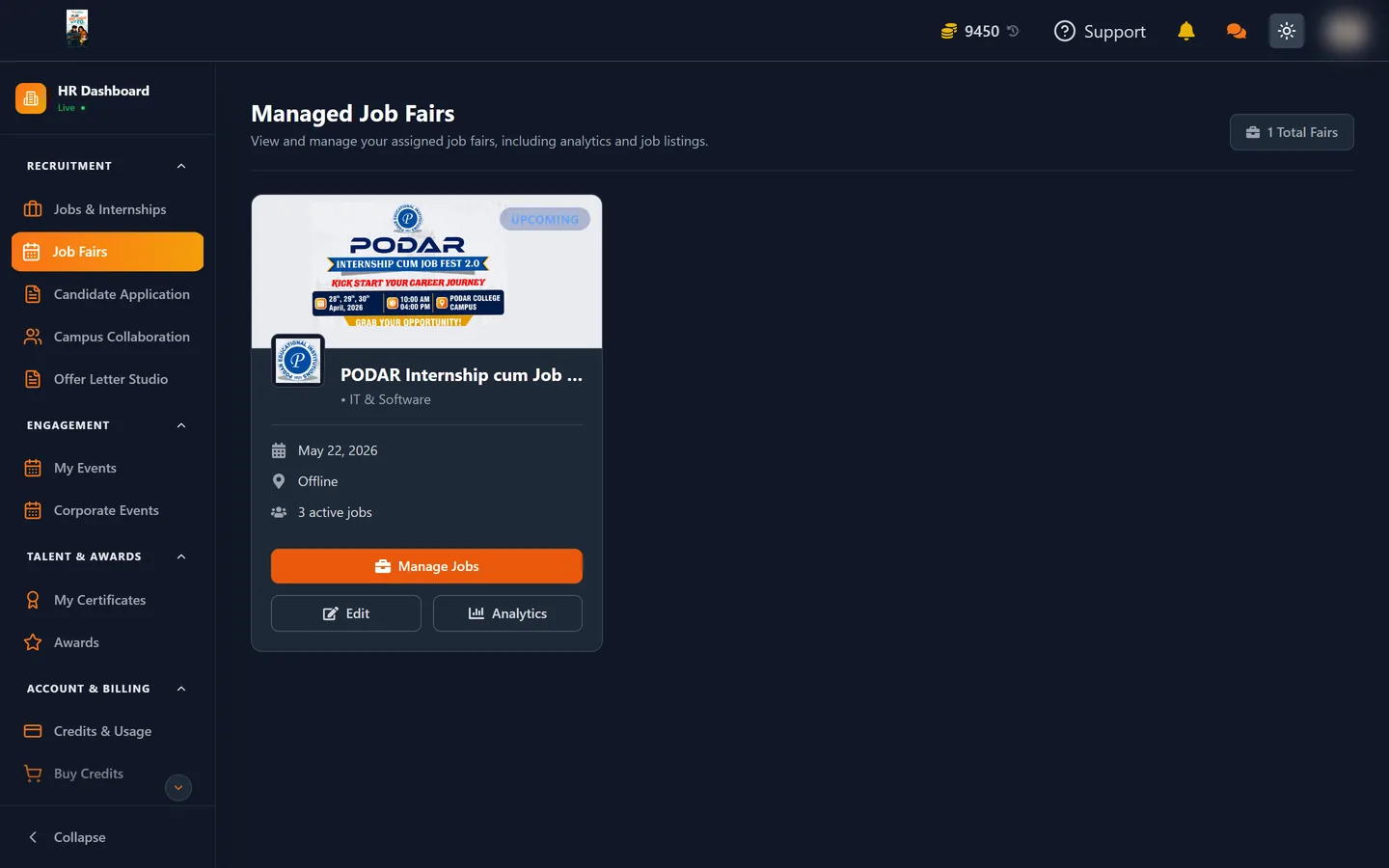
Some accounts are assigned to run a fair. That adds pages for the fair's own jobs, applicants and analytics, so you can see performance across every company taking part rather than only your own roles.
This is granted by an administrator. If you believe you should have it and do not, that is a support question rather than something you can switch on yourself.
Getting the most out of a fair
- Attach the job before the fair opens, not on the day. Candidates browse the fair's roles in advance and plan who to speak to.
- Write the listing for the audience. A fair has a theme and a date; a post that names the specific skills you are there for gets more traffic than a generic one.
- Keep the expiry date past the fair. An expired job cannot be applied to, and a role that closes mid-event wastes the slot.
- Attach more than one role if you have them. It costs nothing and multiplies the reasons for someone to stop at your listing.
Three channels, and when each one fits
| Open listing | Job fair | Campus drive | |
|---|---|---|---|
| Audience | Anyone eligible | People registered for that fair | One college's students |
| Who starts it | You | You attach to a running fair | The college |
| Visibility | Public | Private, by design | Not a listing at all |
| Cost | Free | Free | Free |
| Best for | Steady volume | A concentrated burst in one field | Hiring a graduating batch |
None of the three costs coins. The charges in the HR dashboard come later, when you unlock candidates and move them through the pipeline, so it is worth using all three channels rather than choosing between them.
Where to go next
- Campus Collaboration — the other route to a targeted audience
- How to Post a Job or Internship