

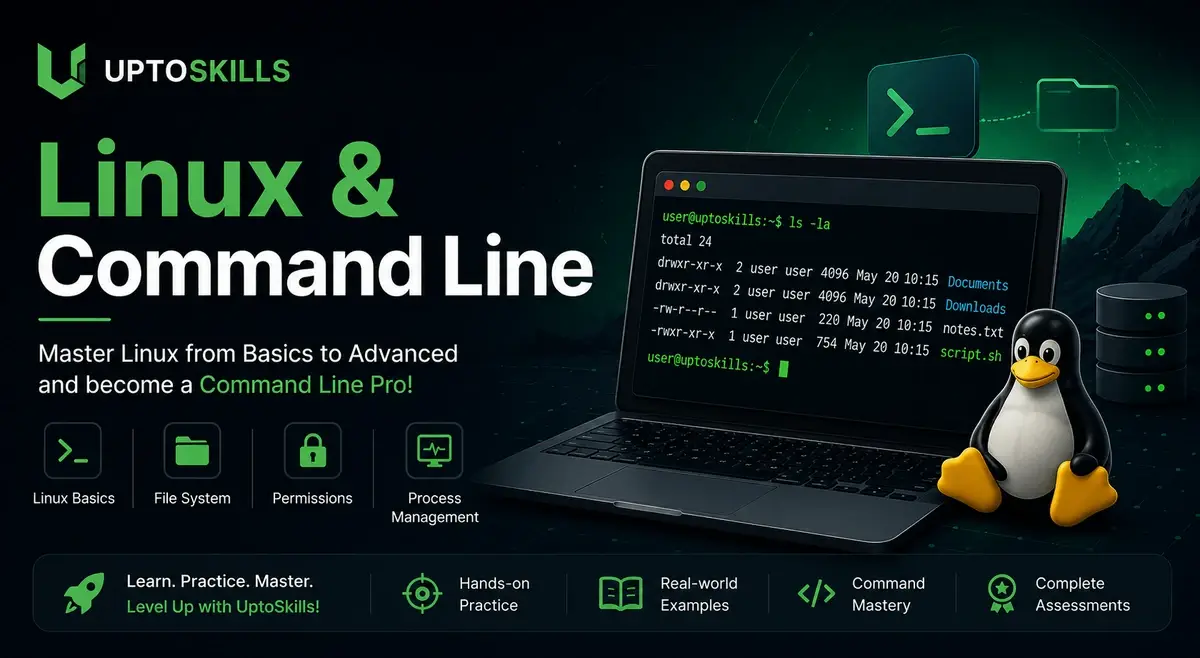
Linux and the Command Line
by UptoSkills Team, Keerthana Y
Missions
15
Quests
98
Games
32
XP
400
Coins
30
Certificate optional — ₹499, or ₹199 on Pro
Key Benefits
Earn XP & Level Up
Gain 400 XP to unlock badges and achievements
Collect Coins
Earn 30 coins to redeem rewards
Professional Certificate
QR-verified and recruiter-checkable — ₹499, or ₹199 on Pro
Unlock Achievements
Complete challenges and earn exclusive badges
Certificate Preview
Finish the league and this is what you walk away with.
We'll post you a printed copy — free.
Tick one box at checkout and it ships anywhere in India in 14–21 days. Almost nobody here does this free.

Learn and Earn Platform
Certificate of Completion
This is to certify that
Your Name
has successfully completed the comprehensive
"Linux and the Command Line"
League Program
This certificate acknowledges the successful completion of all required coursework and assessments. The recipient has demonstrated proficiency in the subject matter.
September 4, 2026

VERIFIED & AUTHENTIC
Official Seal
UTS-LEAGUE-PREVIEW
Scan to verify
✨ QR-verified · high-quality PDF
Every lesson, quest and game here is free. Forever.
Standard
₹499
one-time
With Pro
₹199
per certificate
So why isn't the certificate free? One anybody can print is worth nothing to a recruiter. The fee covers evaluation, QR-backed verification and lifetime hosting — that's what makes it checkable.
Hall of Fame
About This League
This league provides a comprehensive introduction to Linux and its command line interface, a fundamental skill for roles in software development and IT operations. Students will gain hands-on experience with essential commands and utilities for navigating and managing the Linux environment. The curriculum is designed to build a strong foundation for further learning in DevOps and system administration.
What you will learn
After completing this league, you will be able to:
- Navigate and manage files and directories effectively using core Linux commands like cd, ls, mkdir, and rm.
- Understand and manipulate file permissions using chmod and manage user and group ownership with chown and chgrp.
- Utilize powerful command-line tools such as grep, find, and wc for efficient text searching and manipulation.
- Manage running processes, understand shell scripting basics, and install/manage software packages using apt and yum.
- Apply learned concepts to practical scenarios like file organization, system troubleshooting, and automation.
- Execute networking commands like ping, dig, and wget to inspect network connectivity and download web content.
What this league covers
| Module | What it covers |
|---|---|
| Welcome to the Command Line! | Introduces the command line interface, its importance, accessing the terminal, and running your first echo command. |
| Navigating the File System (Part 1) | Covers navigating directories with cd, listing contents with ls, understanding root and home directories, and distinguishing absolute vs. relative paths. |
| Working with Files and Directories (Part 1) | Teaches creating directories with mkdir, files with touch, copying with cp, moving and renaming with mv, and deleting with rm and rmdir. |
| Viewing and Editing Files | Explains displaying file content with cat, viewing pages with less and more, and using the nano text editor. |
| Understanding Permissions | Details file permissions (read, write, execute), user, group, and others, and changing permissions with chmod. |
| User and Group Management | Covers understanding users and groups, viewing current user with whoami, and managing ownership with chown and chgrp. |
| Command Line Power: Wildcards and Globbing | Explains wildcards like *, ?, and character sets for pattern matching with commands like ls, cp, mv, and rm. |
| Searching for Files and Content | Teaches finding files by name, type, and size with find, and searching text within files using grep, combining them effectively. |
| Command Line Utilities: Text Manipulation | Covers text processing utilities like wc for counting, sort for ordering lines, uniq for duplicates, and cut and paste. |
| Processes and Background Jobs | Explains processes, listing with ps and top, managing processes with kill, and running commands in the background and foreground. |
| Input/Output Redirection and Pipes | Details standard output, standard error, redirecting and appending output, input redirection, and piping commands with |. |
| Shell Scripting Fundamentals | Introduces writing and running shell scripts, the shebang, making scripts executable, and using variables in scripts. |
| Package Management | Explains package managers, and covers apt for Debian/Ubuntu and yum/dnf for Fedora/CentOS, including searching, installing, and updating. |
| Networking Basics | Covers networking concepts, checking IP addresses, pinging hosts, resolving domain names with dig/nslookup, and downloading files with wget/curl. |
| Putting It All Together: Practical Scenarios | Applies learned commands to real-world scenarios like organizing files, troubleshooting, and includes a final project to build a command-line tool. |
Students will be well-equipped to pursue Go for DevOps and Microservices.
Prerequisites
- Confident on the command line — navigating directories, running commands, editing files.
- Access to a Linux machine, VM or WSL install.
Learning Objectives
- Understand the fundamental concepts of the Linux operating system, including its file system hierarchy, permissions, and basic processes.
- Navigate the Linux command line interface proficiently using essential commands for file and directory management (e.g., ls, cd, pwd, mkdir, rm, cp, mv).
- Execute commands to view and manipulate text files, including commands like cat, less, head, tail, grep, and sed.
- Create and manage user accounts and groups, and understand basic user and group permission management.
- Implement basic shell scripting to automate simple tasks, including writing and running a very basic script.
- Identify and understand common command-line utilities used in DevOps environments for information retrieval and system monitoring (e.g., ps, top, df, du).
Earn XP • Collect Coins • Unlock Achievements