

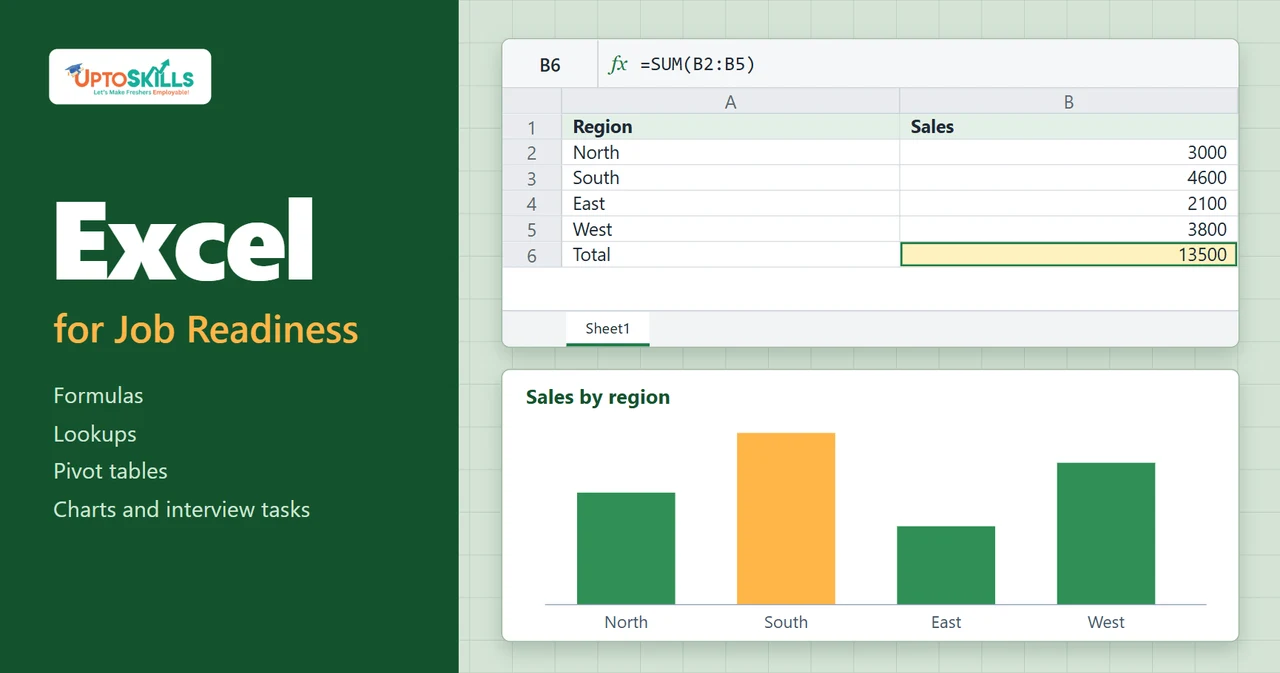
Excel for Job Readiness
by UptoSkills Team
Missions
5
Quests
25
Games
10
XP
500
Coins
35
Certificate optional — ₹399, or ₹199 on Pro
Key Benefits
Earn XP & Level Up
Gain 500 XP to unlock badges and achievements
Collect Coins
Earn 35 coins to redeem rewards
Professional Certificate
QR-verified and recruiter-checkable — ₹399, or ₹199 on Pro
Unlock Achievements
Complete challenges and earn exclusive badges
Certificate Preview
Finish the league and this is what you walk away with.
We'll post you a printed copy — free.
Tick one box at checkout and it ships anywhere in India in 14–21 days. Almost nobody here does this free.
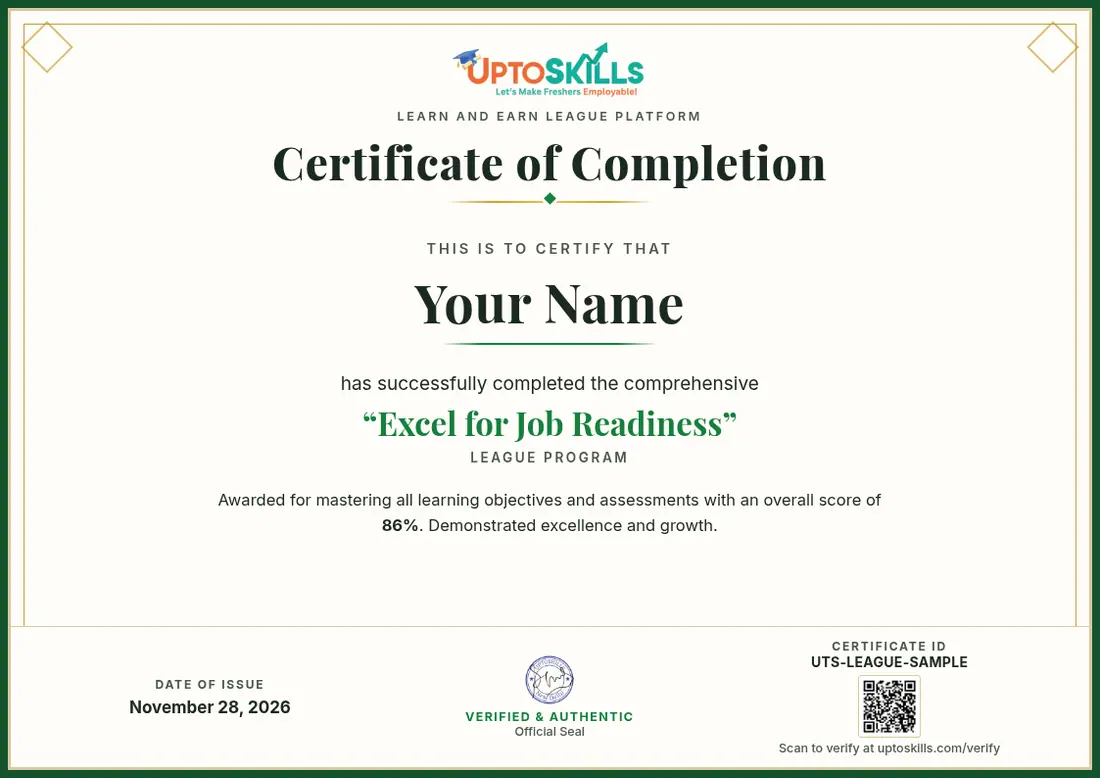
✨ QR-verified · high-quality PDF
Every lesson, quest and game here is free. Forever.
Standard
₹399
one-time
With Pro
₹199
per certificate
So why isn't the certificate free? One anybody can print is worth nothing to a recruiter. The fee covers evaluation, QR-backed verification and lifetime hosting — that's what makes it checkable.
Hall of Fame
About This League
Excel is asked for in almost every office job. This League covers the formulas, data cleaning, pivot tables and charts that come up at work and in interview tests, shown with worked spreadsheet examples.
What you will learn
- Enter, format, sort and filter data
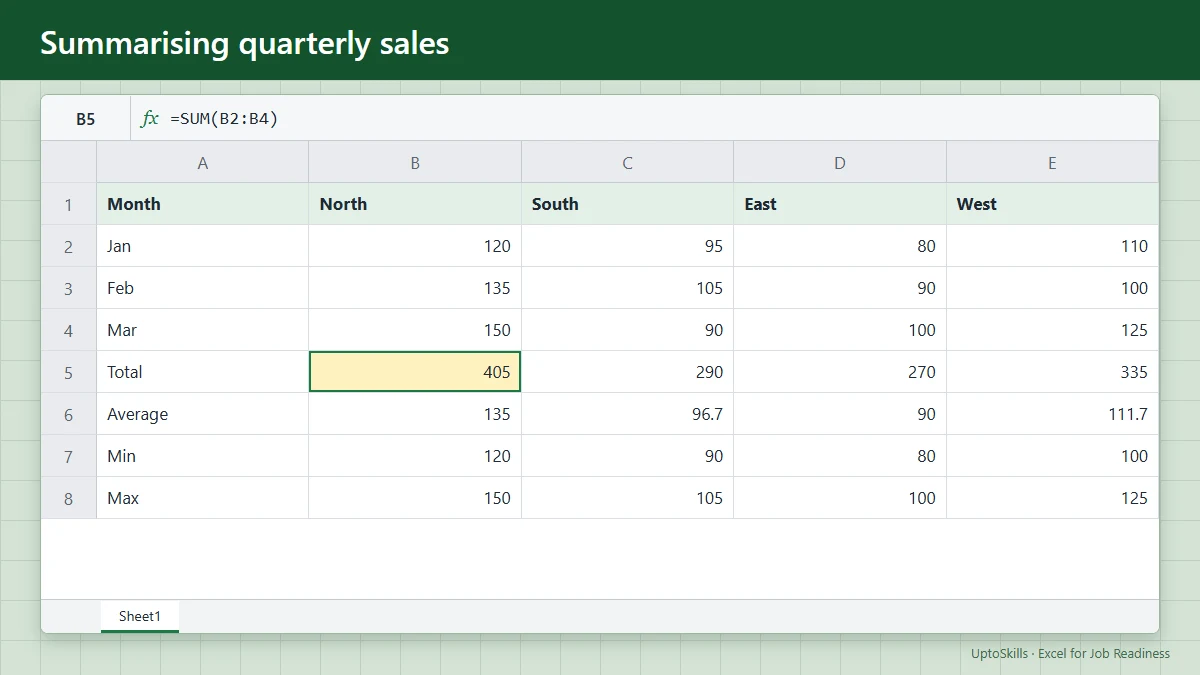
- Use SUM, COUNT, IF and their conditional versions
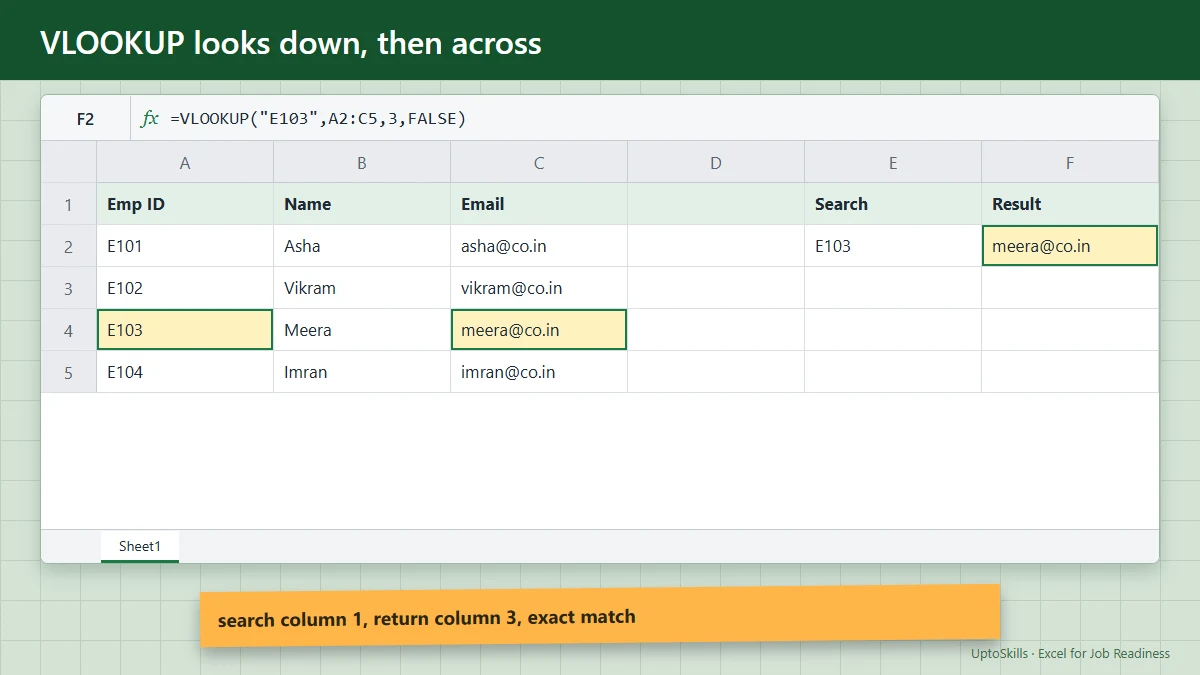
- Clean text and dates and look values up
- Summarise data with tables and pivot tables
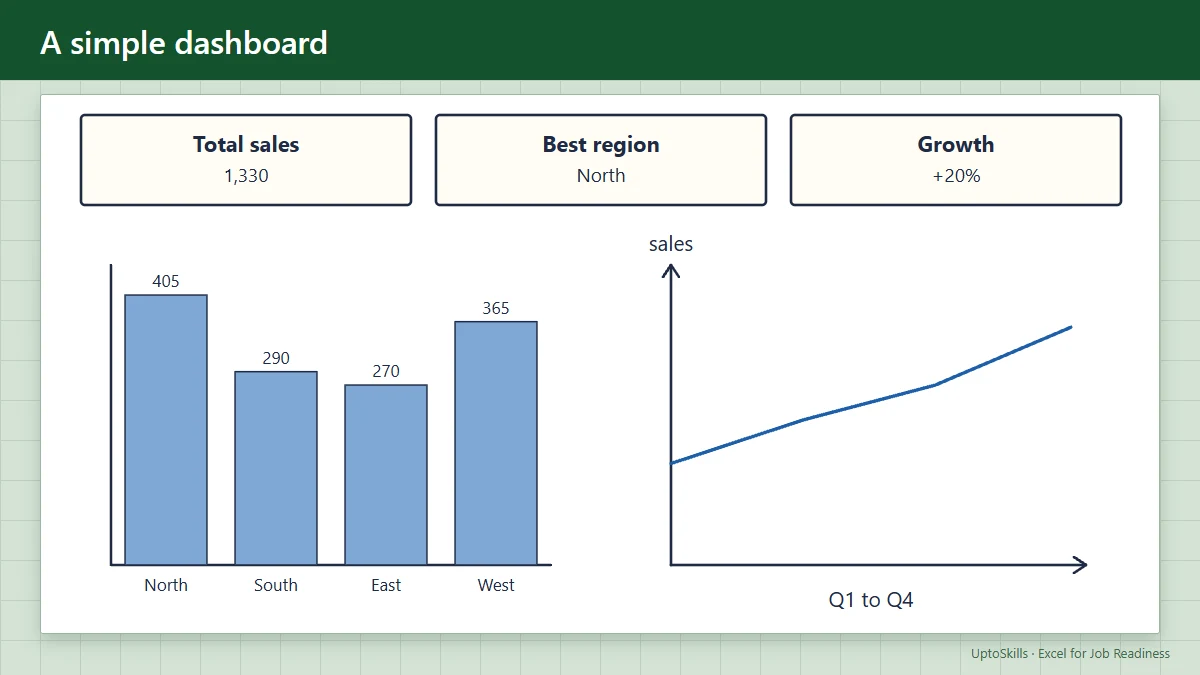
- Choose charts and build a simple dashboard
- Handle common interview tasks with shortcuts
What this League covers
| Excel Basics | Sheets, data entry, references, sorting, filtering and printing. |
| Core Formulas | SUM, AVERAGE, COUNT, SUMIF, IF, AND, OR and IFERROR. |
| Text, Dates and Lookups | Text and date functions, VLOOKUP, INDEX with MATCH and XLOOKUP. |
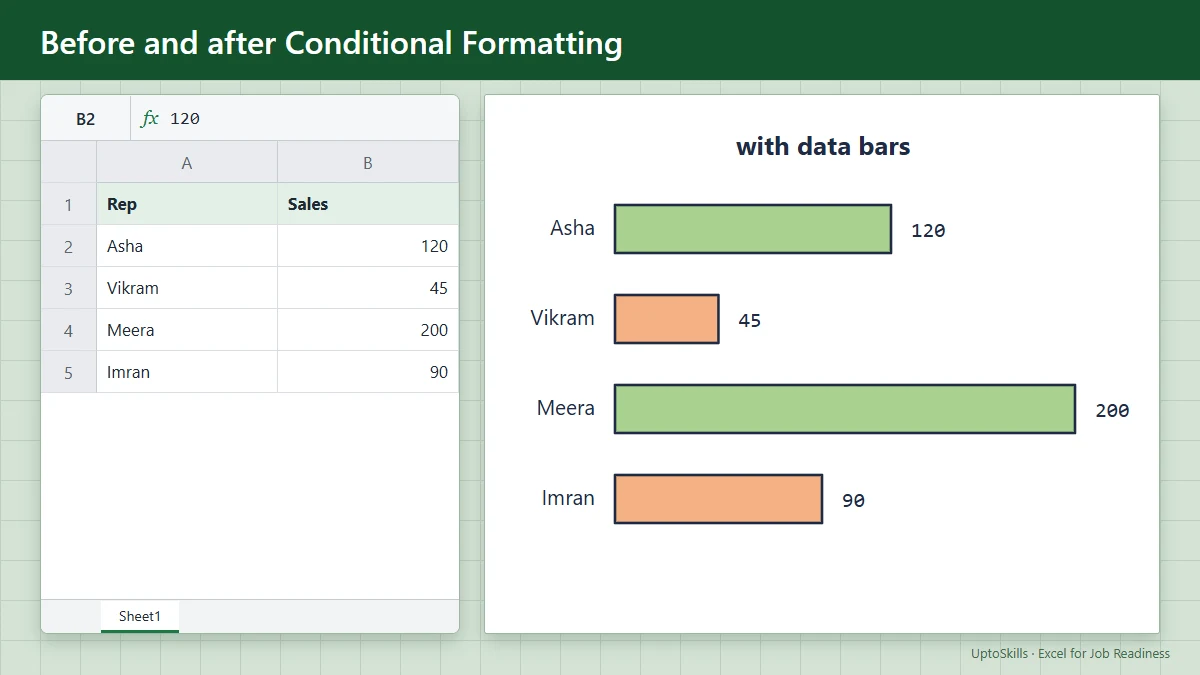
| Analysing Data | Excel tables, conditional formatting, data validation and pivot tables. |
| Charts and Job Tasks | Charts, cleaning data, Goal Seek, dashboards and shortcuts. |
Who this League is for
Students and freshers preparing for office, analyst, HR, finance or operations roles. No earlier Excel knowledge is needed.
A look inside
Prerequisites
- Comfort using a computer, mouse and keyboard
- Basic arithmetic: totals, averages and percentages
- No earlier Excel knowledge needed
- Access to Excel or a similar spreadsheet app to practise
Learning Objectives
- Build clean, readable worksheets.
- Write formulas with correct relative and absolute references.
- Count, total and test data with conditions.
- Find matching records with lookup functions.
- Summarise and present data with pivot tables and charts.
- Complete common spreadsheet tasks quickly in an interview.
Earn XP • Collect Coins • Unlock Achievements