

Swift Programming
by UptoSkills Team
Missions
11
Quests
87
Games
22
XP
700
Coins
30
Certificate optional — ₹499, or ₹199 on Pro
Key Benefits
Earn XP & Level Up
Gain 700 XP to unlock badges and achievements
Collect Coins
Earn 30 coins to redeem rewards
Professional Certificate
QR-verified and recruiter-checkable — ₹499, or ₹199 on Pro
Unlock Achievements
Complete challenges and earn exclusive badges
Certificate Preview
Finish the league and this is what you walk away with.
We'll post you a printed copy — free.
Tick one box at checkout and it ships anywhere in India in 14–21 days. Almost nobody here does this free.

Learn and Earn Platform
Certificate of Completion
This is to certify that
Your Name
has successfully completed the comprehensive
"Swift Programming"
League Program
This certificate acknowledges the successful completion of all required coursework and assessments. The recipient has demonstrated proficiency in the subject matter.
September 4, 2026

VERIFIED & AUTHENTIC
Official Seal
UTS-LEAGUE-PREVIEW
Scan to verify
✨ QR-verified · high-quality PDF
Every lesson, quest and game here is free. Forever.
Standard
₹499
one-time
With Pro
₹199
per certificate
So why isn't the certificate free? One anybody can print is worth nothing to a recruiter. The fee covers evaluation, QR-backed verification and lifetime hosting — that's what makes it checkable.
Hall of Fame
About This League
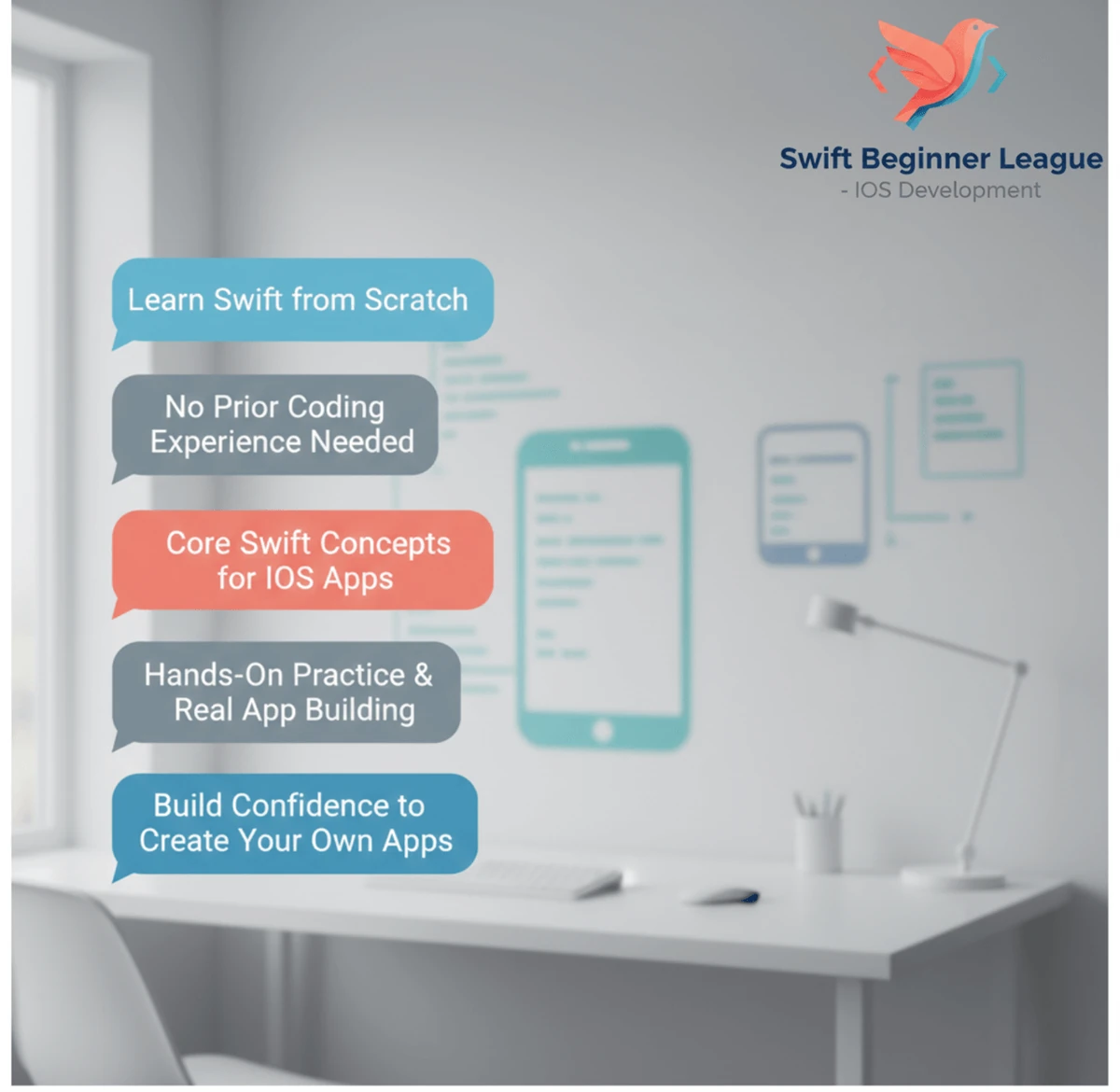
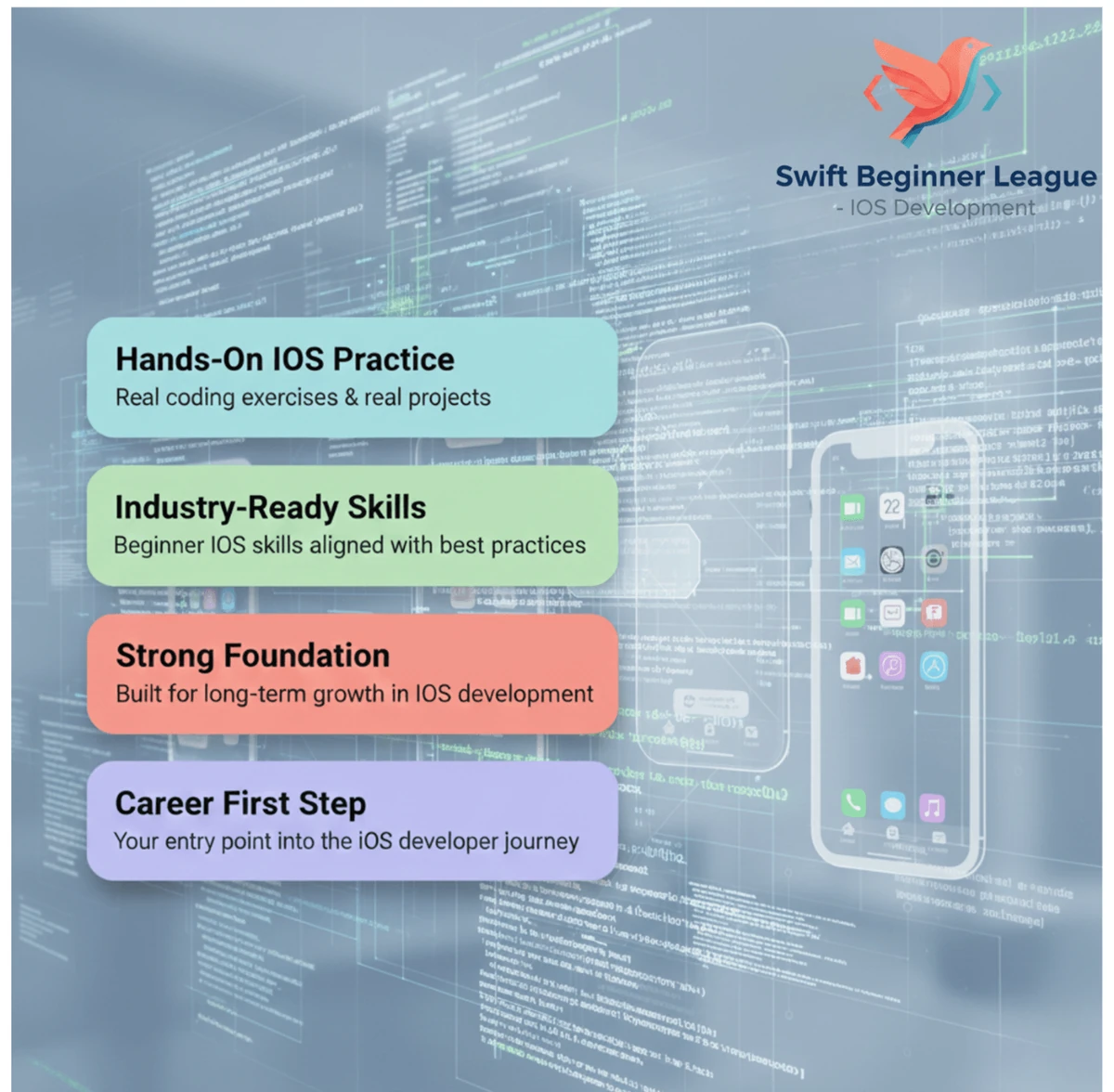
Swift is a powerful and intuitive programming language developed by Apple for building applications across its platforms. This comprehensive beginner league will equip you with the foundational knowledge needed to write Swift code and understand core programming concepts. By the end, you will be ready to tackle more advanced iOS development topics.
What you will learn
Upon completion of this league, you will be able to:
- Write basic Swift programs, understand syntax, and utilize playgrounds for experimentation.
- Declare and manipulate variables, constants, and various data types like Int, String, and Bool.
- Implement control flow structures such as if, else, switch, and loops to manage program execution.
- Work effectively with collection types like Arrays and Dictionaries to store and retrieve data.
- Define and use functions with parameters and return values for modular code design.
- Build simple user interfaces using SwiftUI and manage view states effectively.
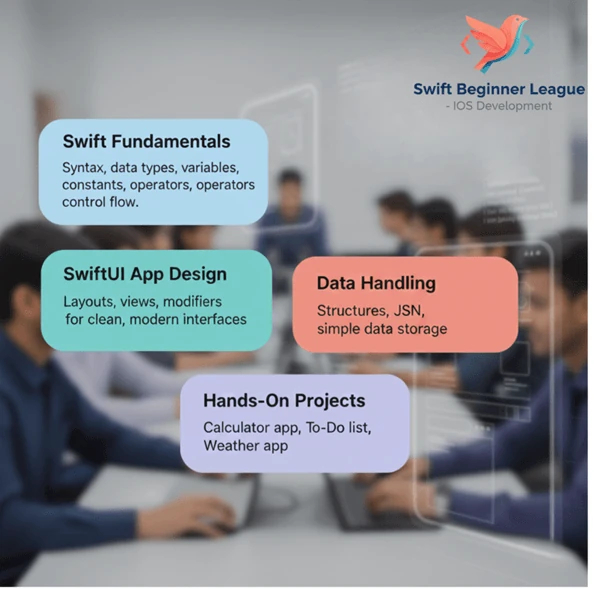
What this league covers
| Module | What it covers |
|---|---|
| Welcome to Swift: Your First Steps | Introduction to Swift and Xcode, setting up your development environment, and writing your first Swift program: Hello World! |
| Variables, Constants, and Data Types | Understanding and declaring variables and constants, exploring fundamental data types like Int, Double, String, and Bool, and using type inference. |
| Operators and Expressions | Mastering arithmetic, assignment, comparison, and logical operators, and combining them in expressions to solve problems like calculating the area of a circle. |
| Control Flow: If, Else, and Switch | Implementing conditional logic with if, else if, and else statements, and using the switch statement for pattern matching, such as building a grade calculator. |
| Loops: For and While | Utilizing for-in and while loops for iteration, controlling loop execution with break and continue, and solving problems like calculating factorial. |
| Arrays and Dictionaries | Creating, initializing, and manipulating Arrays and Dictionaries to store and access collections of data, and counting element occurrences. |
| Functions | Defining and calling functions, working with parameters and return values, and exploring concepts like function overloading to calculate the average. |
| Optionals | Understanding and safely handling optional values using optional binding and the nil coalescing operator for tasks like safe division. |
| Classes and Objects | Defining classes, creating objects, and working with properties and methods, including initializers and understanding self, to build a simple class. |
| Structs | Defining structs, creating instances, and using properties and methods, comparing them with classes, and working with mutating methods. |
| SwiftUI Basics | Introduction to SwiftUI for declarative UI development, creating basic views with Text, Image, and Stacks, and building a simple profile screen. |
You are now equipped to start building interactive iOS applications with Swift and SwiftUI.
A look inside
Prerequisites
- Understand variables, loops, conditionals and functions in some language.
- Access to a Mac for building and running iOS projects.
Learning Objectives
- Understand the fundamental concepts of Swift syntax including variables, data types, and control flow structures.
- Create a simple iOS application user interface using Storyboards, including labels, buttons, and text fields.
- Implement basic event handling in Swift to respond to user interactions with UI elements.
- Understand and utilize Xcode's debugging tools to identify and fix errors in Swift code.
- Create a basic application that can display and update data using variables and constants.
Earn XP • Collect Coins • Unlock Achievements