

Mobile Application Development
by UptoSkills Team, Divy Aakarsh
Missions
10
Quests
68
Games
27
XP
340
Coins
35
Certificate optional — ₹499, or ₹199 on Pro
Key Benefits
Earn XP & Level Up
Gain 340 XP to unlock badges and achievements
Collect Coins
Earn 35 coins to redeem rewards
Professional Certificate
QR-verified and recruiter-checkable — ₹499, or ₹199 on Pro
Unlock Achievements
Complete challenges and earn exclusive badges
Certificate Preview
Finish the league and this is what you walk away with.
We'll post you a printed copy — free.
Tick one box at checkout and it ships anywhere in India in 14–21 days. Almost nobody here does this free.

Learn and Earn Platform
Certificate of Completion
This is to certify that
Your Name
has successfully completed the comprehensive
"Mobile Application Development"
League Program
This certificate acknowledges the successful completion of all required coursework and assessments. The recipient has demonstrated proficiency in the subject matter.
September 4, 2026

VERIFIED & AUTHENTIC
Official Seal
UTS-LEAGUE-PREVIEW
Scan to verify
✨ QR-verified · high-quality PDF
Every lesson, quest and game here is free. Forever.
Standard
₹499
one-time
With Pro
₹199
per certificate
So why isn't the certificate free? One anybody can print is worth nothing to a recruiter. The fee covers evaluation, QR-backed verification and lifetime hosting — that's what makes it checkable.
Hall of Fame
About This League
This league provides foundational knowledge and practical skills in mobile application development for both Android and iOS platforms. Students will learn to design user interfaces, implement app logic, and understand cross-platform development principles. The curriculum is structured to build a strong understanding from basic concepts to practical implementation.
What you will learn
Upon completing this league, you will be equipped to:
- Design and wireframe mobile app ideas, understanding UI elements and user experience principles.
- Set up development environments for Android, iOS, and cross-platform frameworks like Flutter.
- Build basic Android applications using XML layouts and handle activity lifecycles and intents.
- Develop fundamental iOS apps with Storyboards and Swift, managing view controllers and navigation.
- Create initial cross-platform applications using Flutter widgets and Dart programming.
- Implement data display, network requests, and basic data persistence for mobile applications.
What this league covers
| Module | What it covers |
|---|---|
| Foundations of Mobile App Design | Understanding UI elements, UX design, platform differences, wireframing app ideas, and prototyping user flows. |
| Setting Up Your Development Environment | Choosing frameworks, installing Android Studio and Xcode, configuring emulators, and setting up cross-platform environments. |
| Your First Android App: Layouts | Creating Android XML layouts with TextView, Button, ImageView, and LinearLayout, RelativeLayout containers. |
| Android App Logic: Activities and Events | Understanding Android Activities, lifecycles, handling button clicks, navigation between activities, and using Intents. |
| Introduction to iOS Development: Storyboards | Using iOS Storyboards, core UI elements like UILabel, UIButton, View Controllers, and Auto Layout. |
| iOS App Logic: Swift Basics and Events | Learning Swift programming, variables, control flow, handling button actions with @IBAction, and navigation. |
| Cross-Platform Basics with Flutter | Introduction to Flutter and Dart, building UI with Rows and Columns, handling user input, and navigation in Flutter. |
| Working with Data: Lists and Collections | Displaying data in lists for Android, iOS, and Flutter, creating data models, and filtering data. |
| Networking Fundamentals for Mobile Apps | Understanding APIs, making HTTP requests, parsing JSON data, and handling network errors for Android, iOS, and Flutter. |
| Next Steps in Mobile Development | Mobile app persistence, device sensors, permissions, Git version control, app deployment basics, and building a portfolio. |
This league prepares you for Kotlin for Android Development.
A look inside
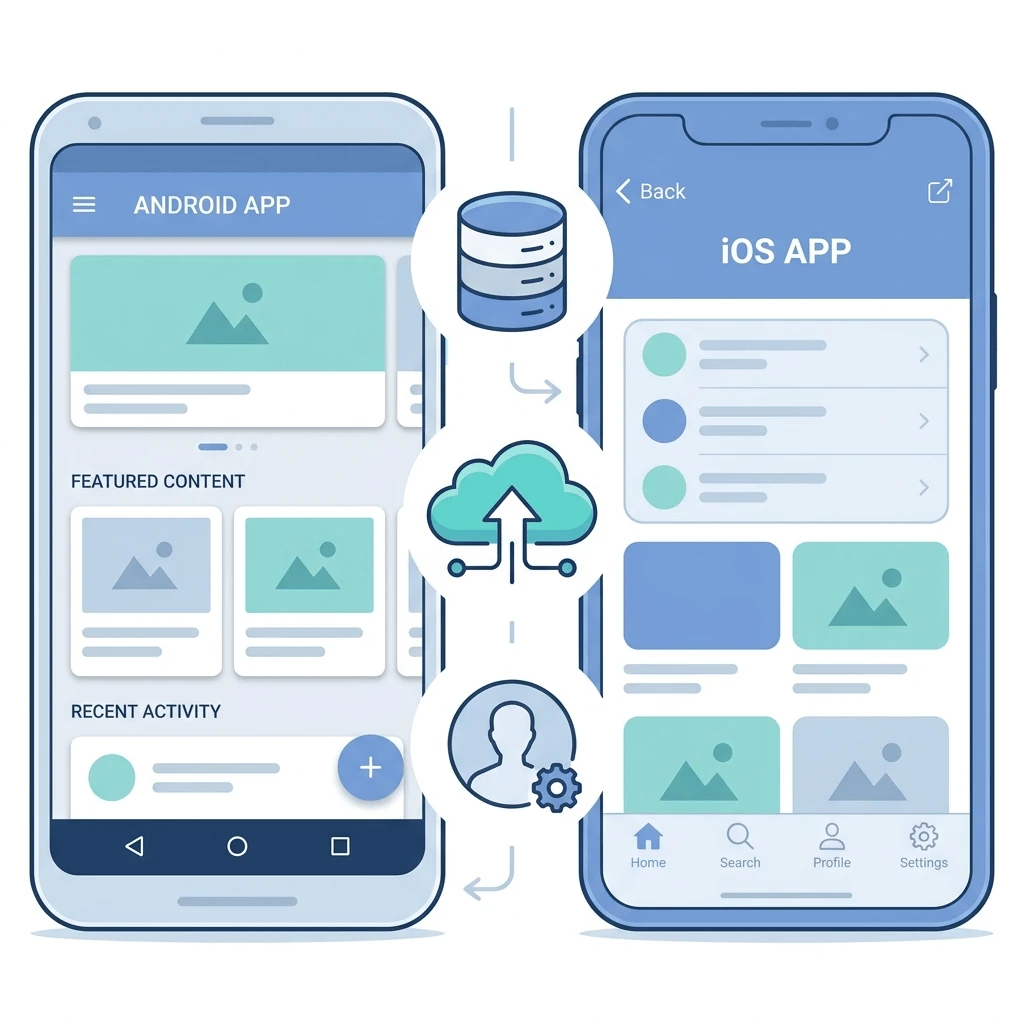
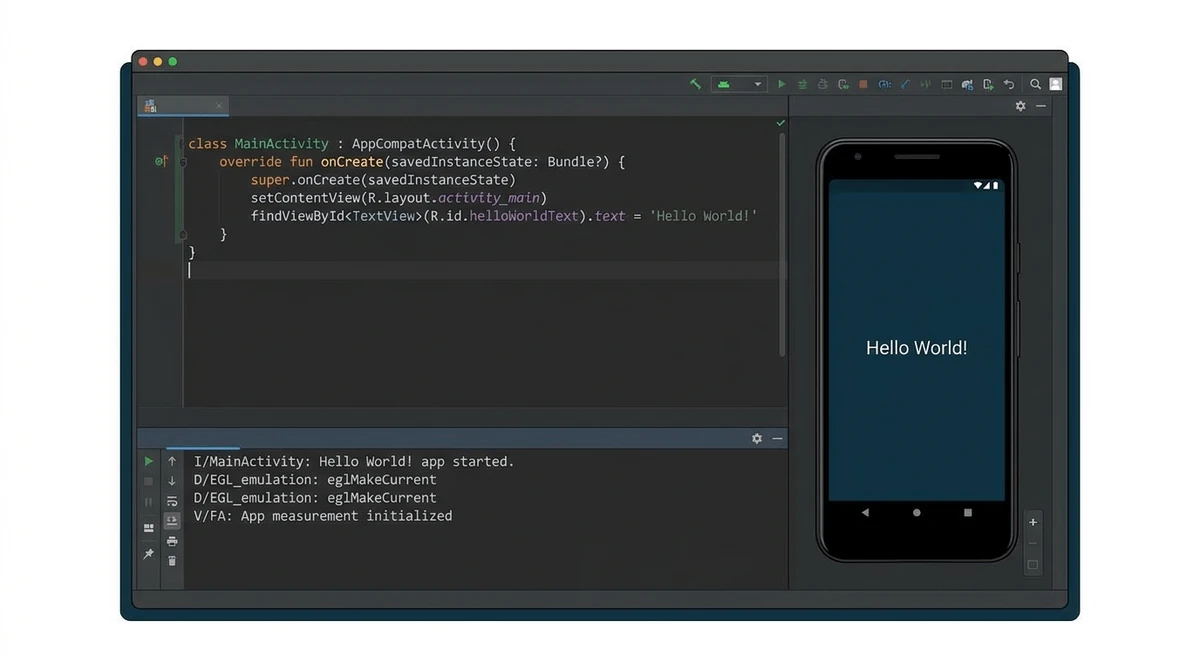
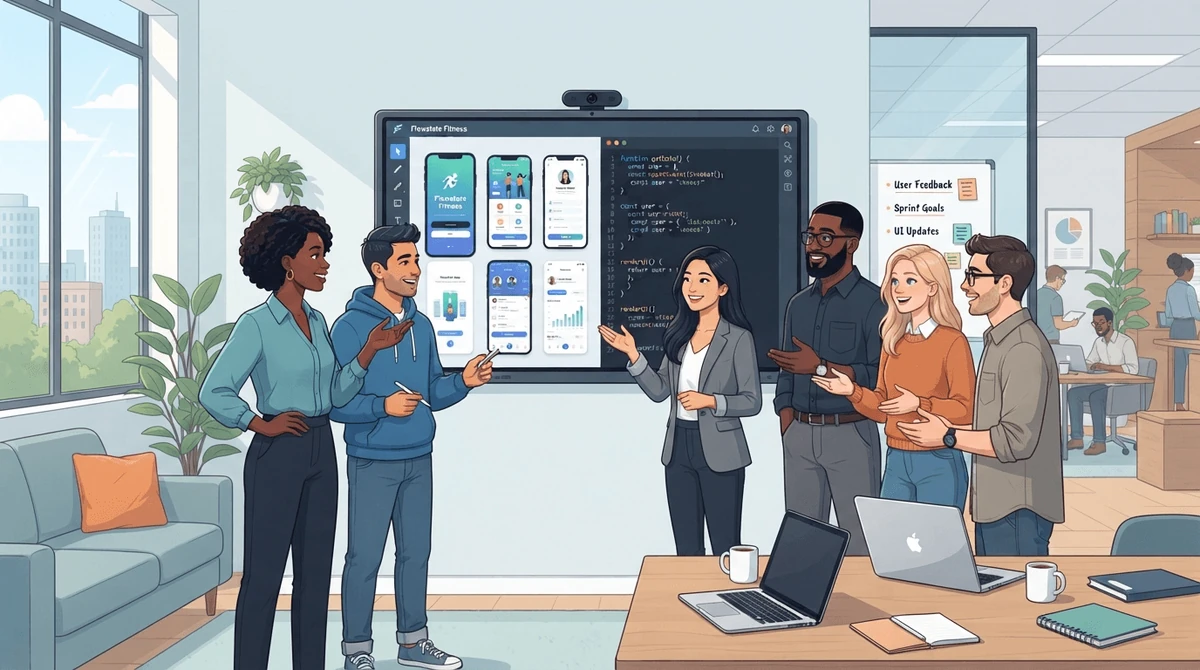
Prerequisites
- Understand variables, loops, conditionals and functions in some language.
- Comfortable with classes, objects and inheritance.
Learning Objectives
- Understand the fundamental concepts of mobile application development, including the client-server architecture and common mobile operating systems (iOS and Android).
- Create a simple 'Hello World' mobile application for either Android or iOS using their respective Integrated Development Environments (IDEs).
- Implement basic user interface elements like buttons, text fields, and labels within a mobile application layout.
- Navigate between different screens or activities within a mobile application.
- Write simple code to handle user interactions, such as button clicks.
- Debug and test a basic mobile application to identify and fix common errors.
Earn XP • Collect Coins • Unlock Achievements