

Student Profile and Resume Builder on UptoSkills
Get your profile to 100%, switch it public so recruiters can find you, and build an ATS-friendly resume from eight templates.
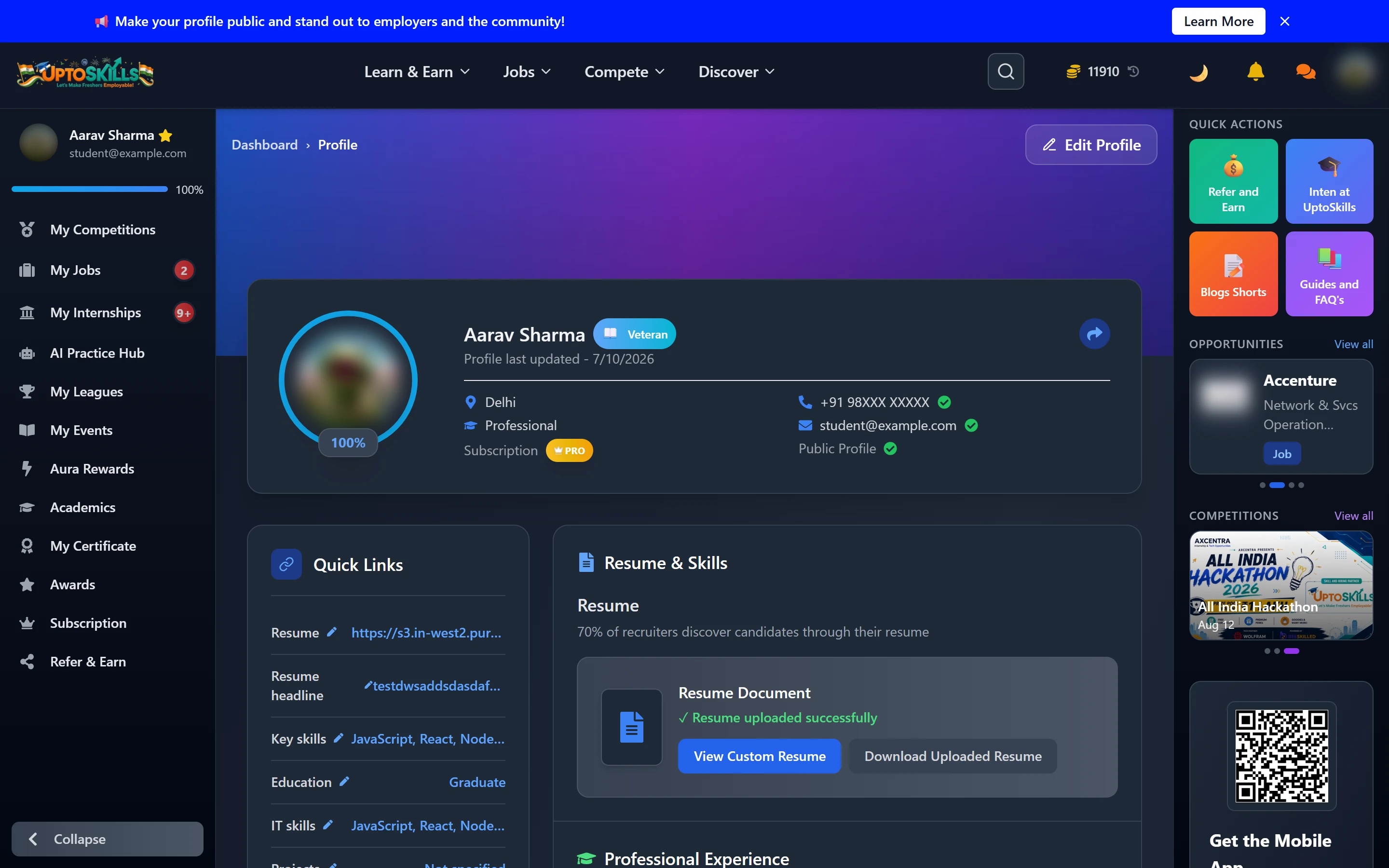
Short answer: Your profile is what recruiters see and what job filters match against. Get it to 100%, make it public, and use the built-in resume builder for an ATS-friendly PDF.
What the profile holds
| Section | Why it matters |
|---|---|
| Resume & Skills | Your uploaded resume, resume headline and key skills |
| Professional Experience | Employment history |
| Education | Degree, college and batch |
| Projects | Often the strongest section a fresher has |
| IT Skills | What search filters actually match on |
| Career Profile | Preferred role, location and industry |
| Social Links | GitHub and LinkedIn |
The completion percentage sits at the top, and individual sections show how much they would add — Projects Add 8%.
🎯 100% completion is also a one-time Aura quest, and making the profile public is another. Two quests for work you should be doing regardless.
The public profile
Switching your profile public means recruiters can find you instead of you only finding them. It is also the only way anyone sees the Aura cosmetics you bought. Share Profile gives you a link for applications and your LinkedIn.
The resume builder
Eight templates, three of them explicitly ATS-safe:
| Template | Notes |
|---|---|
| Classic Blue | Default |
| Professional Standard | ATS |
| Modern Sidebar | Two-column |
| Creative Minimal | Design-leaning roles |
| Harvard Strict | ATS |
| Executive Minimalist | Sparse |
| Tech Focused | ATS |
⚠️ Pick an ATS template for campus placements and online applications. Most large employers parse resumes with software before a person reads them, and multi-column creative layouts are exactly what parsers mangle.
The editor is a canvas — pick a template, then add text and line elements and edit them in the Properties panel. Save keeps your work; Clear Canvas wipes it.
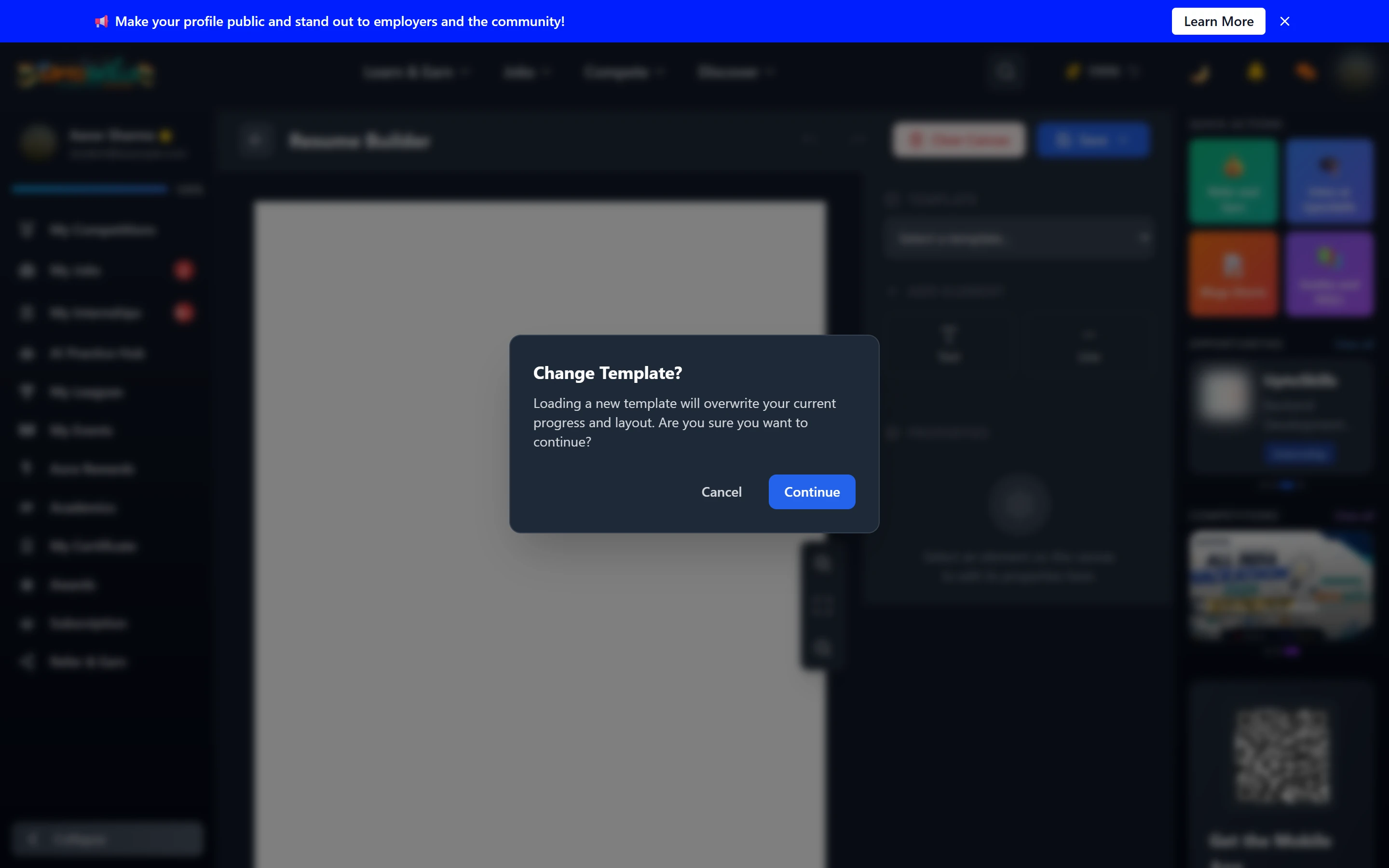
💡 Changing template overwrites your current layout. The app warns you first — pick your template before you do the writing.
Free versus Pro
| Plan | Resumes | Watermark |
|---|---|---|
| Free | 1 | Yes |
| Pro | 10 | No |
The watermark is the thing that matters — it is fine while you are drafting, less fine on something you are sending to a recruiter.
How do I get to 100%?
Fill every section. The profile page tells you what each remaining one is worth, so start with the biggest.
Is a public profile safe?
It shows your professional information — skills, education, projects, achievements. It is the same information you put on a resume you hand to strangers at a career fair.
Should I upload a resume or build one here?
Either. Uploading is faster if you already have a good one; the builder is better if yours is not ATS-friendly.
Does my name on certificates come from here?
Yes — certificates are printed with your profile name, so fix any spelling before buying one.