

Your UptoSkills Certificates: Where They Are and How to Share Them
Find, preview, download and share every certificate you have earned, and understand the verification ID printed on each.
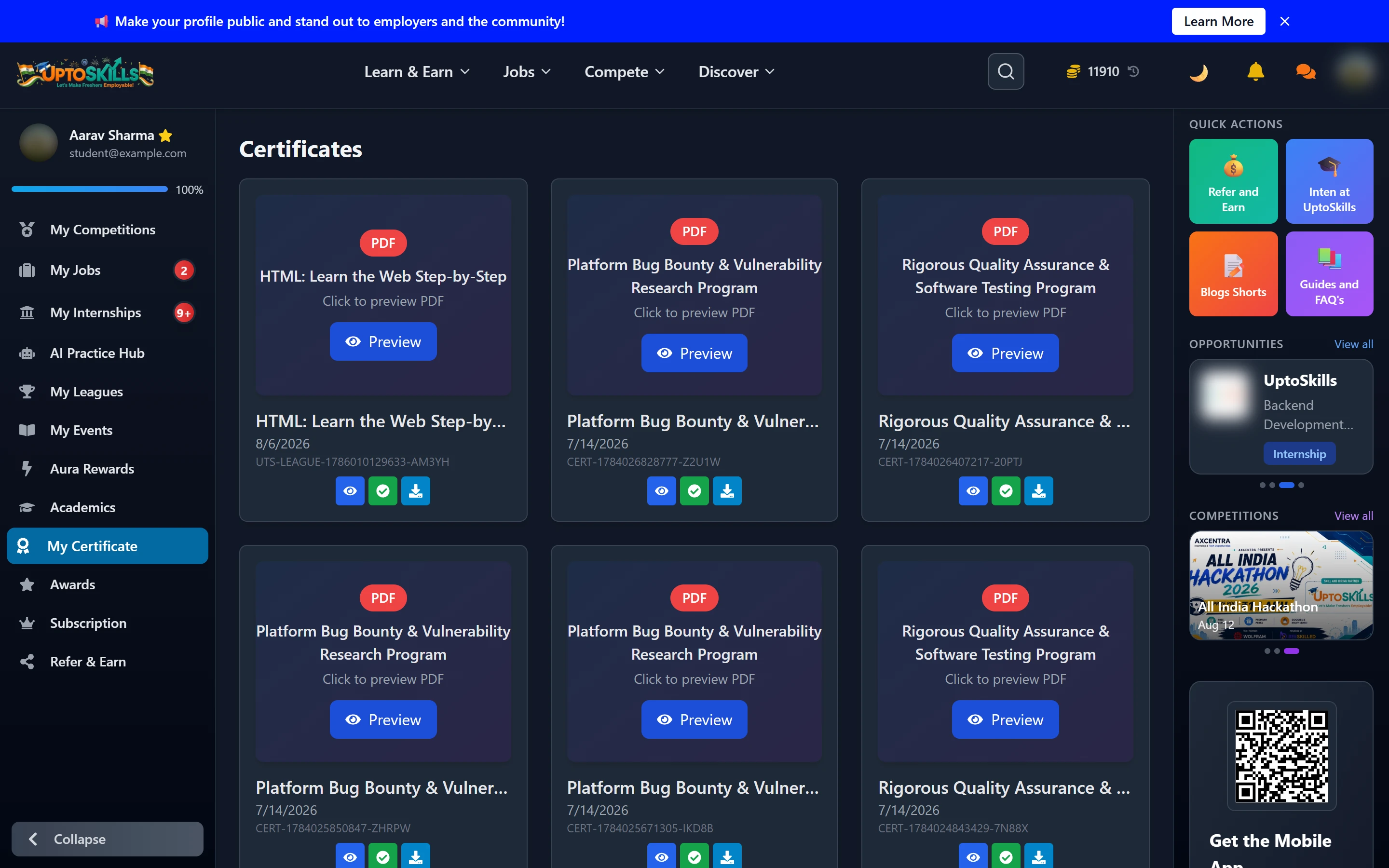
Short answer: My Certificate holds every certificate you have earned — from Leagues, programs and events. Each one previews as a PDF, downloads, and carries a unique verification ID anyone can check.
What lands here
- League certificates — for completing a League and buying its certificate
- Program certificates — from structured programs you completed
- Event certificates — participation and winner certificates from hackathons and competitions
Each card shows the title, the issue date and the certificate ID. Preview opens the PDF.
The verification ID
Every certificate carries an ID like UTS-LEAGUE-1786010129633-AM3YH or CERT-1784026828777-Z2U1W. That ID is what makes the certificate checkable — a recruiter can verify it rather than taking a screenshot on trust.
✅ Always give the ID or the verification link alongside the image. A JPEG of a certificate proves nothing; a verifiable ID does.
Putting one on LinkedIn
- Open the certificate and note its ID
- On LinkedIn, add it under Licenses & Certifications
- Issuing organisation: UptoSkills
- Paste the credential ID and the verification URL
- Add the skills the League covered — that is what LinkedIn search actually matches on
Why is a League I completed not showing a certificate?
Completing a League unlocks the certificate; it is issued once you buy it. The learning is free — the certificate is the optional paid part.
Can I get a printed copy?
Yes — a physical certificate is included in the certificate cost and shipped to your address, not sold as an extra.
Can I use coins to make it cheaper?
Yes. Coins you earned from learning give you up to 10% off at checkout. Students earn coins rather than buying them.
Is my name printed exactly as in my profile?
Yes — so check the spelling in your profile before you buy, not after.
How does an employer verify it?
Through the certificate verification page using the ID on the certificate.